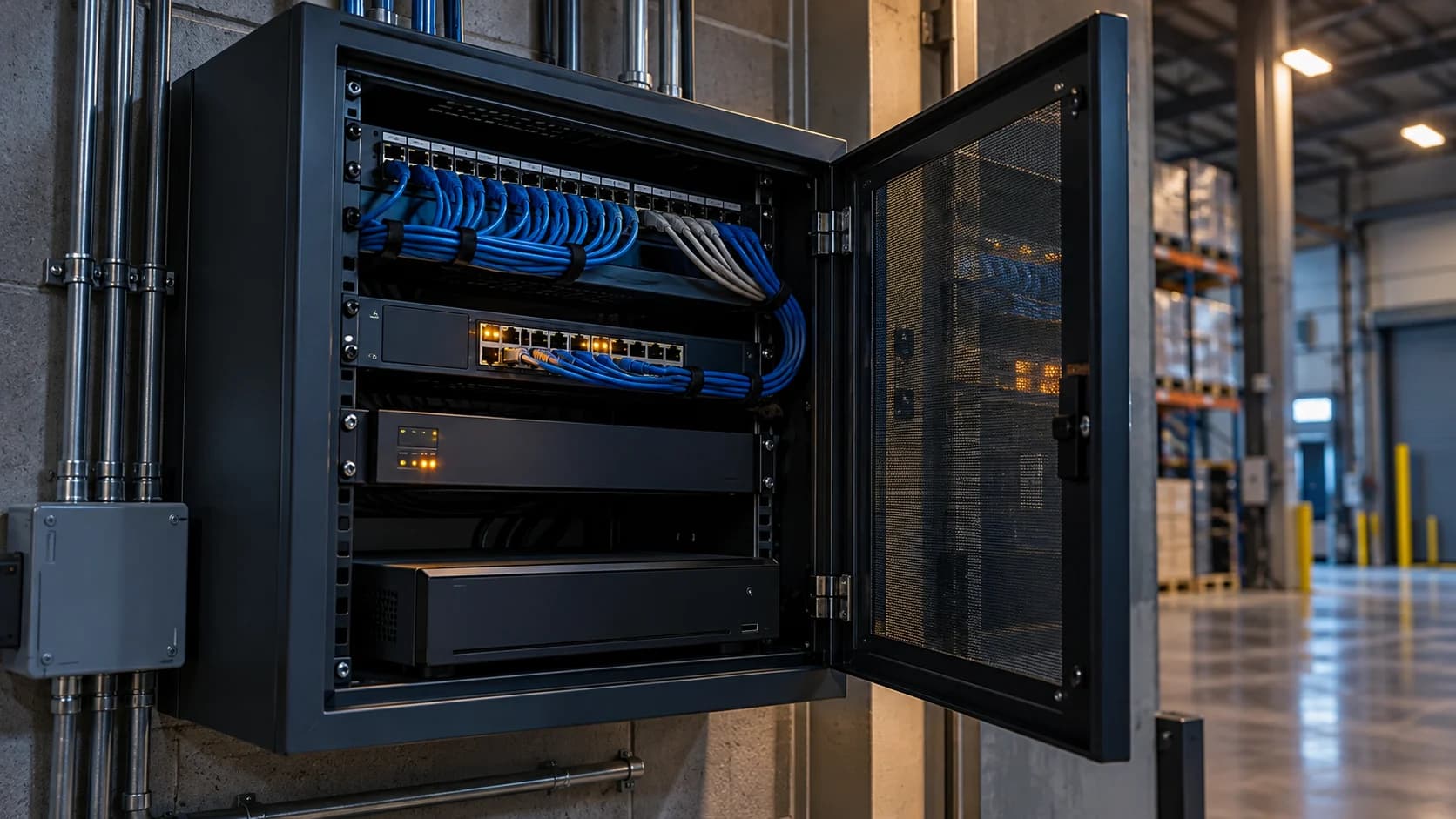
Storage planning answers whether the system can hold the intended recording. Retention policy answers whether it should. Keep those decisions separate before buying a larger disk.
Use your own assumptions · No signup
CCTV storage calculator
Estimate recording capacity from bitrate, schedule and retention. Use average bitrate where relevant and verify actual usable history.
Enter a stream count and bitrate to calculate. No site measurement has been supplied.
Decimal GB = streams × Mb/s × 1,000,000 ÷ 8 × 3,600 × hours/day × days ÷ 1,000,000,000. GiB = bytes ÷ 2³⁰.
Inputs stay in this page; they are not sent or saved. This is planning arithmetic, not a connection test, drive recommendation or retention decision. Variable bitrate, overhead, reserved space, redundancy, competing traffic and system behavior need separate assessment. Calculator input limits are not equipment specifications.
The idea in view · Planning diagram
From recording assumptions to usable history
- Bitrate
- Recording seconds
- Stream count
- Usable capacity
- Retention configuration
- Oldest required playback
Use consistent units
A continuous 1 Mbps stream generates about 10.8 decimal GB per 24 hours: 1,000,000 bits per second divided by eight, multiplied by 86,400 seconds. Multiply by streams and days for a baseline. This excludes filesystem overhead, redundancy and variable bitrate effects.
Separate recording from retention
Event-only recording depends on how much footage is actually retained; do not assume an activity percentage without measurement. Check whether exported incidents, duplicate files and backups occupy additional storage. A larger disk does not justify a longer retention period.
Validate the result
Review actual recorder use over representative busy and quiet periods. Check whether the oldest required footage is still retrievable and whether disk failure changes available capacity. Confirm any preservation needs through the organization’s authorized process.
Follow the units through the calculation
Use decimal GB consistently in the simple example. A continuous 1 Mbps stream produces 1,000,000 ÷ 8 bytes per second; over 86,400 seconds that is 10.8 GB per day. Two such streams for seven days give 151.2 GB before filesystem overhead, redundancy or additional copies. Keep the assumptions beside the number so another person can reproduce it.
Compare the estimate with actual recorder use. A configured cap may not be the sustained bitrate, usable disk capacity differs from the label and resilience arrangements can consume space. Have the installer validate sizing and retrieval. For a UK retention decision, the ICO directs organizations to the recording purpose; available capacity is not a reason to retain footage indefinitely.
Define what you intend to retain
Storage planning needs the recording schedule, stream settings, retention purpose and expected operating conditions. Continuous recording, event recording and separate incident exports create different storage patterns. The existence of a large disk does not tell you how long the footage you need remains available. Record the task first, then calculate and test the system that supports it.
Separate capacity from retention policy. The system may be capable of holding more data than the organization has decided to keep, or may overwrite needed recordings sooner than intended. Retention decisions depend on purpose and applicable obligations, not merely available space. An incident hold or authorized export may also need a controlled location and deletion process outside routine recorder overwrite. Include those responsibilities in the plan without treating this worksheet as legal advice.
Understand the bitrate calculation
For a steady bitrate, decimal storage in bytes equals bits per second divided by eight, multiplied by recording seconds. A 2 Mb/s stream recording continuously for seven days produces 151.2 decimal GB before overhead or implementation effects: 2,000,000 ÷ 8 × 86,400 × 7. Multiply by the relevant streams and schedule, keeping each assumption visible. Decimal GB and binary GiB are not interchangeable labels.
Real consumption can differ because bitrate varies, recording schedules differ and systems reserve capacity or manage files differently. Usable disk space may be less than the sum printed on the drives. Redundancy and the recorder's storage design also affect usable capacity. Obtain the actual vendor configuration and validate it. Do not interpret the simple arithmetic as a promise that the oldest required clip will remain available on every recorder.
Check retrieval at the oldest required point
A storage estimate becomes operational evidence when the team can retrieve the required recording. Check the oldest intended date, relevant camera and time context, then confirm playback. Where the recorder's actual history is shorter, investigate the schedule, stream, available capacity and overwrite behavior. A healthy disk status is not proof of the required retention period.
Include the retrieval and export path in the check. A recording that exists but cannot be found or played by the authorized team may not serve the intended purpose. Keep sensitive video in approved systems and use references in the capacity worksheet. After adding cameras or changing bitrate, repeat the relevant calculation and observe the retention result rather than assuming the original estimate still applies.
Reference context: GOV.UK: Recovery and Acquisition of Video Evidence v3.0 (2022)
Why an event-only estimate needs its own evidence
For event recording, the recorded proportion of time becomes another input. A purely illustrative calculation that records for ten percent of a period uses one tenth of the continuous-recording seconds at the same steady bitrate. It does not establish that a real site will record ten percent of its activity. Pre-event context, post-event recording, overlapping events and the system's implementation can change the stored result.
Obtain the supported recorder behavior and observe a relevant operating period. Keep the observed dates and conditions with the estimate. A quiet holiday week, an empty yard or a newly tuned rule may not represent ordinary work. If the plan depends on an event-volume assumption that has not been measured, mark it as such and identify how the business will validate it before relying on the intended history.
Check the consequence of underestimating. The relevant question is whether the required recording remains available when an authorized person needs it, not whether the spreadsheet contains a precise decimal total. Review actual oldest footage and playback after the installed system operates under representative conditions. Revisit the calculation when schedules, rules, cameras or stream settings change.
A fictional storage change after a camera upgrade
A business upgrades two cameras and keeps the old retention expectation. The new configuration uses more storage, but nobody updates the plan. Weeks later, the team discovers that a required date has already been overwritten. The problem is not solved by noting that both cameras are recording successfully today.
A better change process records the new stream settings, recalculates the schedule and checks usable retention after the system has operated long enough to establish it. The owner may adjust capacity, recording design or the approved requirement, depending on the actual purpose and constraints. Any change to useful image detail needs acceptance as well. The worksheet should preserve the assumptions and verification date so a future upgrade does not silently inherit an obsolete number.
Make the call
Which assumption changes the estimate?
| Situation | Decision to make | What to ask for |
|---|---|---|
| Bitrate varies with activity | Whether a fixed baseline represents the site | Measured use across representative periods |
| Only event footage is retained | How much recording time occurs | Observed recording duration, not an invented percentage |
| An incident is exported | Where the extra copy is governed | A separate preservation and deletion record |
Before you move on
- Record bitrate, streams, recording hours and assumed days.
- Calculate a baseline in decimal GB.
- Check actual storage and retrieval before relying on it.
A worksheet you can actually use
Start with the blank sheet. Add one row per item, assign an owner and mark anything unresolved as pending. The completed example shows the level of detail to aim for.
Keep completed security plans private. Use aliases; keep passwords, access codes, personal contacts and footage links in your approved systems.
How to fill the worksheet
- Streams
- Count the recording streams that share the stated schedule and storage assumptions, not every installed device by default.
- Mbps each
- Keep the bitrate unit explicit and identify whether it is configured, measured or variable under representative conditions.
- Hours per day
- Record the intended recording schedule. Continuous and event-based retention need different assumptions and validation.
- Days assumed
- State the planning period clearly while keeping it separate from the organization's approved retention rationale.
- Baseline decimal GB
- Use decimal units consistently and retain the formula. Validate actual usable history rather than treating arithmetic as a guarantee.
- Exclusions
- Record overhead, reserved capacity, storage design and uncertain event behavior that the simple baseline does not establish.
A worked example
Fictional baseline: two continuous 1 Mbps streams for seven days produce 151.2 decimal GB before overhead. It is a capacity example, not a recommended retention period.
| Streams | Mbps each | Hours per day | Days assumed | Baseline decimal GB | Exclusions |
|---|---|---|---|---|---|
| 2 | 1 | 24 | 7 | 151.2 | Overhead redundancy exports |
Questions readers bring to this task
What else should you know?
What changes when the system records only on events?
You need the actual retained duration and recording behavior, including any pre-event and post-event footage. Measure representative use before applying an activity assumption. The continuous-stream example is a transparent baseline, not a prediction for an event-recording site.
Link to this answer ↗How much storage does one camera need?
There is no useful single answer without bitrate, recording hours, retention and system assumptions. Use the stated formula for planning, then validate the installed recorder's actual history and retrieval. A model's maximum resolution alone does not determine storage consumption.
Link to this answer ↗Does more storage mean footage should be kept longer?
No. Capacity and the justified retention period are separate decisions. The organization should set retention by purpose and applicable requirements, then configure and verify the system accordingly. Extra disk space is not a reason to retain all footage indefinitely.
Link to this answer ↗Can event recording be estimated from a quiet week?
A quiet week can describe that observed period, but it may not represent future activity or seasonal changes. Record the observation and its limits, consider relevant busy conditions and verify actual retention. Avoid treating a short sample as a guaranteed event-volume forecast.
Link to this answer ↗Notes & sources
This simple estimate does not size RAID, resilient architecture or legal retention. Have the installer validate the final design.
Reviewed October 27, 2026. The examples and worksheets are planning aids, not customer results or a statement of contracted service.
- ICO: surveillance data protection principles
UK surveillance guidance on purpose, retention, secure access and transparency. Guidance is under review; check it when making a decision.
- GOV.UK: police requirements for CCTV systems
Purpose, quality, storage, export and playback considerations; not a promise of police response.
- GOV.UK: Recovery and Acquisition of Video Evidence v3.0 (2022)
Native retrieval, playback and source context. A formal forensic procedure requires appropriate expertise.