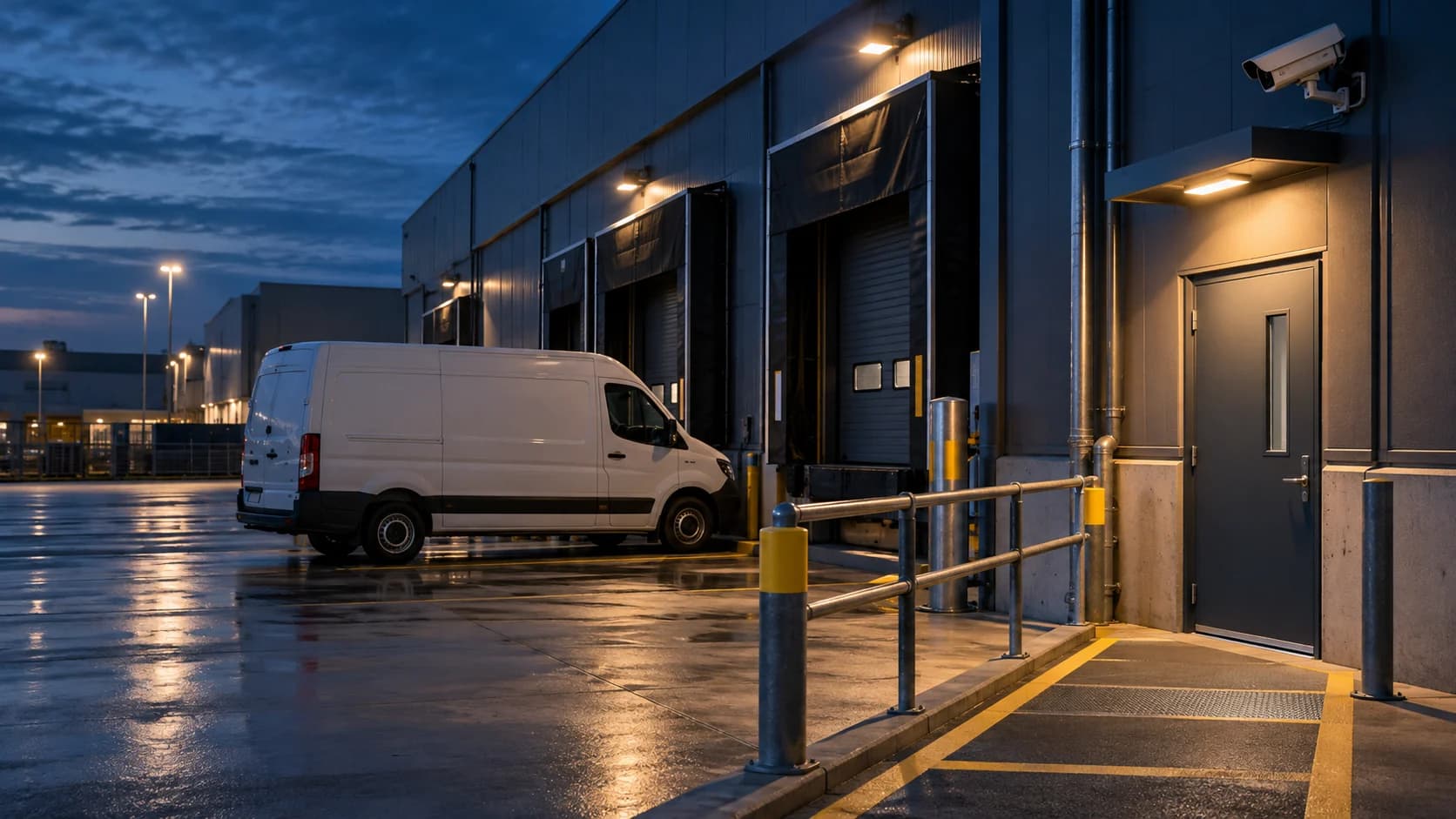
A late delivery can be normal at the dock and still unusual at the equipment cage. Write the exception around the route and permission, not a blanket instruction to ignore activity.
The idea in view · Planning diagram
Expected delivery has a bounded permission
- Approved window
- Entry point
- Waiting area
- Permitted route
- Restricted boundary
- Confirmation owner
Describe the authorized movement
Record the approved entrance, unloading area and expected time window. Use an internal booking reference or role rather than putting driver personal details in an open planning sheet. Define how changes reach the monitoring team.
Handle uncertainty
A vehicle resembling a supplier’s vehicle is not proof of permission. Give reviewers an approved contact path for an unexpected arrival or a vehicle entering another area. Avoid disabling every camera during the delivery window.
Close the exception
Record when the delivery finishes or the permission expires. Confirm the normal rule resumes. If late deliveries repeat, update the formal schedule through change control instead of stacking permanent temporary notes.
Keep the booking and monitoring rule connected
Choose a route for schedule changes to reach the monitoring team and be acknowledged. The site may need a booking reference, area, window and decision role; the broadly shared worksheet does not need driver personal details or access codes. Make the expiry unambiguous with a site time zone.
If deliveries repeatedly extend past the expected window, update the normal operating brief through change control rather than adding permanent informal exceptions. Test that the required restricted-area event still reaches review. The camera can show movement, but authorization comes from the agreed operating record and decision process.
Define expected activity by time, route and authority
A late delivery can be expected at one door and an exception at another. Record the approved windows, entry route, waiting area and restrictions relevant to monitoring. The reviewer needs a way to confirm the current booking or contact the role authorized to decide. A familiar vehicle or uniform should not be treated as unlimited permission to move through the site.
Keep the rule tied to the actual operation. Some sites have regular overnight activity; others approve individual exceptions. Use a controlled update process for temporary bookings and an expiry for the instruction. Do not make the reviewer reconstruct the schedule from old messages or assume that an approval for yesterday applies tonight. A concise current rule is more useful than a long unmaintained list.
Separate verification from access control
Confirm which actions the service can perform. Reviewing activity, contacting a manager, issuing an approved speaker message and controlling a gate are different duties with different dependencies. The presence of a camera does not establish that the reviewer can admit a driver or verify identity to the standard required by the business.
If another system or person authorizes entry, link the instruction to that process without copying access codes into the monitoring worksheet. Define what happens when the booking cannot be confirmed, the route is blocked or the person moves into a restricted area. The reviewer should follow the accepted escalation path rather than improvising permission based on appearance or a verbal claim alone.

Test the route under normal yard conditions
Check the view with trailers, vehicles and lighting in their usual positions. A delivery route may be visible before a truck parks and obscured during the activity that most needs review. Use safe authorized scenarios and the site's traffic procedures. Do not place a test person in a vehicle route simply to improve a camera demonstration.
Record which parts of the activity can be usefully observed and which remain outside the accepted duty. If a camera or rule changes, repeat the relevant test and update the operating instruction. The delivery plan should also identify the owner of an unresolved event at shift change. A legitimate delivery can still leave a gate, camera fault or other action needing attention after the vehicle departs.
A fictional arrival outside the approved window
A driver arrives early at a loading gate and says the booking was moved. The reviewer sees the vehicle but has no current approved change. The instruction identifies the duty manager as the decision owner and gives a no-answer fallback. The reviewer reports the facts and seeks confirmation instead of treating a recognizable van as sufficient authority.
If confirmation arrives, the record identifies the accepted exception and period. If it does not, the original restriction and fallback remain. The team can later review whether the booking update process failed. The incident need not be framed as a security threat to be useful; it can reveal a coordination gap that would otherwise create repeated unnecessary calls or unsupported entry decisions.
Make the call
Does the exception cover this movement?
| Situation | Decision to make | What to ask for |
|---|---|---|
| Arrival matches the approved area and window | Whether the normal delivery procedure applies | Current booking context |
| The vehicle enters another restricted area | Whether the permission extends there | A duty-manager decision |
| The delivery arrives after expiry | Whether a new exception is authorized | A fresh instruction with an owner |
Before you move on
- Define the route, window and authorized verification channel.
- Brief the monitoring team with an expiry.
- Confirm normal rules resume after the exception.
A worksheet you can actually use
Start with the blank sheet. Add one row per item, assign an owner and mark anything unresolved as pending. The completed example shows the level of detail to aim for.
Keep completed security plans private. Use aliases; keep passwords, access codes, personal contacts and footage links in your approved systems.
How to fill the worksheet
- Exception reference
- Use a reference connecting the approved temporary booking, rule change and incident record without exposing unnecessary personal data.
- Area
- Identify the permitted location and route so an expected arrival does not become unlimited authorization across the site.
- Window and zone
- Record the approved period and zone, keeping early or late arrivals subject to the defined clarification path.
- Verification role
- Name the role authorized to confirm the activity, with a controlled contact source and a no-answer fallback.
- Expiry
- Set the time or condition that retires the exception, preventing a one-night approval from becoming an indefinite rule.
- Normal-rule check
- Verify that the ordinary instruction resumes and the temporary change has not silently altered unrelated monitoring duties.
A worked example
Fictional delivery: a booking permits dock access until 22:00. Activity at the storage cage remains reviewable, and a later arrival requires the duty manager’s decision.
| Exception reference | Area | Window and zone | Verification role | Expiry | Normal-rule check |
|---|---|---|---|---|---|
| DEL-TEST | Dock only | 21:00–22:00 site zone | Duty manager | 22:00 | Pending |
Questions readers bring to this task
What else should you know?
Should the cameras be disarmed during unloading?
Avoid assuming that the whole yard should be ignored. Ask the authorized team to define the relevant area and task, preserve unrelated restrictions and test the intended behavior. Any actual rule change should follow the agreed change and restoration procedure.
Link to this answer ↗Can the monitoring team recognize a regular driver?
Recognition may provide context, but it does not necessarily establish current authorization, route or access rights. Use the site's accepted confirmation process and record uncertainty. Avoid making identification claims from a view that has not been accepted for that purpose.
Link to this answer ↗What should happen when a delivery is not on the list?
Follow the approved clarification and escalation path. The answer may be a legitimate booking change, an incorrect route or an unresolved exception. The reviewer should not invent permission or make unsupported accusations merely because the current list is incomplete.
Link to this answer ↗Does a delivery rule replace a traffic-management plan?
No. Safe vehicle and pedestrian movement remains part of the site's own operating and safety arrangements. Monitoring instructions should align with those arrangements and should not ask reviewers or test participants to direct or enter traffic without appropriate authority and procedures.
Link to this answer ↗Notes & sources
Camera appearance cannot reliably establish authorization by itself. The operating rule needs a human decision path.
Reviewed October 27, 2026. The examples and worksheets are planning aids, not customer results or a statement of contracted service.
- ProtectUK: CCTV operational checklist (2022)
Operational prompts on purpose, coverage, lighting and review. Its historical legal references are not used as current law.
- Private Security Authority: monitoring centre training requirements (2018)
Historical operational handover context; local licensing requirements need separate review.
- Axis: Object Analytics manual
Manufacturer guidance on scenes, filters and detection limitations. Not evidence of NightMarshal detection performance.