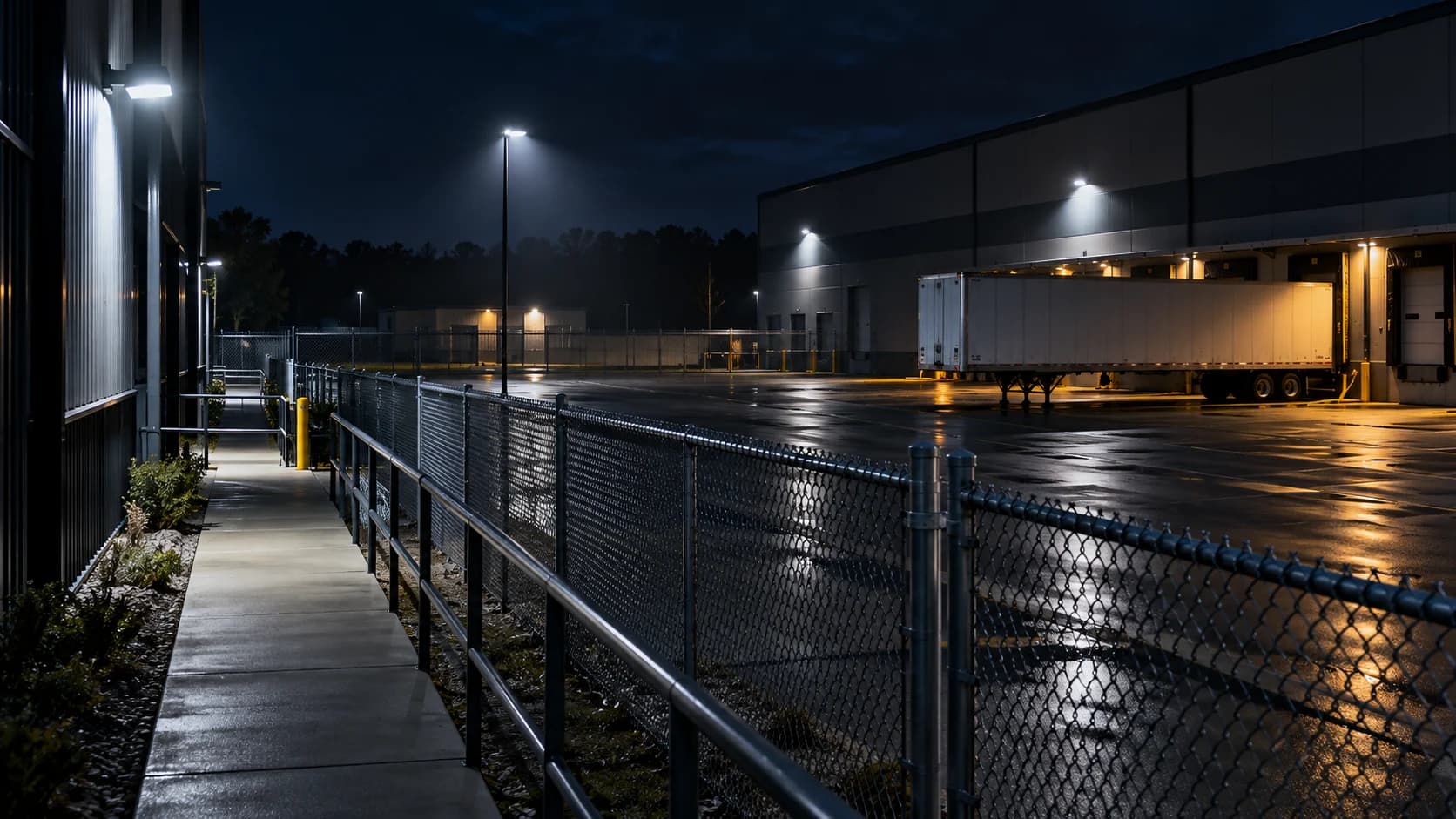
A person appears in footage, but the phone stayed silent. The camera is one possible cause; event delivery, review and notification are others. Find the first missing record.
The idea in view · Planning diagram
Trace the event through separate boundaries
- Subject visible
- Rule applicable
- Event generated
- Event delivered
- Review recorded
- Action accepted
Make the call
Follow the event through the stages
| Situation | Decision to make | What to ask for |
|---|---|---|
| No relevant footage exists | Whether capture or retention failed | Recorder and camera evidence |
| Footage exists but no event was created | Whether scene and detection rules supported it | Installed-rule and manufacturer checks |
| An event was reviewed but nobody acknowledged | Whether the contact path failed | Attempt and acknowledgement records |
Locate the earliest missing stage
Confirm whether footage exists for the relevant interval, then whether an event was created. If an event exists, check provider receipt and the review record. If review occurred, inspect contact attempts and acknowledgement. This avoids blaming the camera for a downstream notification issue.
Check the scene and rule
Record lighting, obstruction, object size, schedule and active filters as observed. Manufacturer-specific constraints matter. A sharp empty scene does not establish usable moving detail, and an excluded zone may deliberately suppress activity.
Test a safe reproduction
Agree an authorized scenario that approximates the observed conditions without recreating danger. Change one factor and keep a record. If the route remains unsupported, document a coverage limitation and consider another measure rather than declaring the fault solved.
Preserve before you tune
Keep the original event interval, installed settings and relevant log references through the authorized process. Record time zones and clock differences. Changing several rules first can make it difficult to establish what the system was expected to do at the time.
When planning a reproduction, choose the nearest safe equivalent rather than recreating a dangerous incident. Identify the conditions you cannot reproduce, such as weather, obstruction or subject movement. The manufacturer may document limits that explain why a scene is unsuitable. If the required task remains unsupported, record the gap and choose another measure; a successful different scenario does not erase it.
Separate the four boundaries of a missed event
An event can fail because the subject was not usefully visible, the detection rule did not generate the expected event, the event did not reach the reviewing system or the review did not lead to the agreed action. These are different failures with different owners. Local footage showing a person does not establish that the remote reviewer received a corresponding alert.
Begin with an exact camera alias, approximate event period and the expected duty. Preserve relevant evidence through the approved system before routine overwrite makes the investigation harder. Distinguish known times from estimates. If the camera clock differs from the incident record, record that uncertainty rather than forcing a misleading alignment. The aim is a traceable sequence that can identify the first unsupported step.
Check the scene and rule that existed at the time
Confirm the camera framing, event region, schedule, filters and configuration version relevant to the event. A screenshot of today's settings may not explain yesterday's behavior after a change. Check whether the route was obstructed or the subject was too small or indistinct for the installed analytic's intended use. Follow the actual product documentation rather than assuming all cameras share the same limits.
Do not broaden or tighten rules immediately without retaining the current evidence. A quick change can make a demonstration look better while obscuring why the original event failed. Form a specific hypothesis and choose a safe test. If the route cannot be represented under the relevant lighting or layout, the corrective action may need a design change rather than a sensitivity adjustment.
Reference context: Axis: Object Analytics manual
Trace delivery and review independently
Where the camera or recorder shows an event, check the supported delivery path and the receiving record. Compare generation, receipt and review times with their time-zone context. An event received after a delay is different from one never received. Missing records should remain an evidence gap; do not assume either that the event was delivered or that a particular person ignored it.
If receipt is confirmed, review the instruction and action record. Did the reviewer have the relevant context and authority? Was the contact attempt acknowledged? The corrective action may involve operating instructions or handoff design rather than analytics. Keep the conclusion within what the records support and avoid attributing individual fault before the actual sequence is established.
A fictional missed approach beside a parked trailer
A site finds local footage of a person walking toward a restricted area but no corresponding review record. The route was partly hidden by a trailer. The investigation identifies that the event was not generated for the obscured approach under the relevant configuration. That is a different finding from a generated event lost in transit or a received event left unreviewed.
The team records the observed boundary, assesses the route and camera arrangement and chooses an authorized correction. It then repeats the approach with normal trailer positions and relevant lighting. If the route remains unsuitable, the accepted scope should reflect the gap. Closing the incident because the person appears in local recording would not demonstrate that the remote duty has been restored.
Before you move on
- Preserve footage and configuration references.
- Find the first stage without the expected evidence.
- Retest safely and document the residual limitation.
A worksheet you can actually use
Start with the blank sheet. Add one row per item, assign an owner and mark anything unresolved as pending. The completed example shows the level of detail to aim for.
Keep completed security plans private. Use aliases; keep passwords, access codes, personal contacts and footage links in your approved systems.
How to fill the worksheet
- Incident reference
- Use a controlled incident alias that connects the records without exposing private footage or personal information in the worksheet.
- Footage present
- Record whether the relevant material was actually found, with time uncertainty and view limitations preserved.
- Event created
- Identify evidence of event generation for the relevant configuration, distinguishing missing evidence from a confirmed absent event.
- Provider received
- Check the receiving record rather than inferring delivery from local footage or an event visible on the recorder.
- Reviewed
- Record whether review occurred and which instruction applied, without attributing individual fault before the sequence is established.
- Contact acknowledged
- Distinguish a contact attempt from accepted ownership and keep any unresolved response duty visible.
- First gap
- Identify the earliest unsupported boundary and the evidence needed next, rather than prescribing sensitivity changes for every failure.
A worked example
Fictional review: video exists and the recorder created an event, but the monitoring system never received it. The investigation moves to event delivery rather than widening the detection zone.
| Incident reference | Footage present | Event created | Provider received | Reviewed | Contact acknowledged | First gap |
|---|---|---|---|---|---|---|
| Example-01 | Yes | Yes | No | No | No | Event delivery |
Questions readers bring to this task
What else should you know?
Can one retest prove the system will catch the next incident?
No. It can support acceptance of a particular task under the tested conditions. Record the result and remaining limits. Broader reliability claims require a suitable evaluation design and evidence that a single staged test does not provide.
Link to this answer ↗Does footage of the event prove analytics failed?
It proves only that the recording contains visible activity. Establish the expected rule, conditions and event records before deciding which boundary failed. The event could have been generated but not delivered, or the intended task may never have been configured for that route.
Link to this answer ↗Should every missed event lead to a sensitivity increase?
No. The cause may be obstruction, schedule, configuration, transport or the review process. A sensitivity change can introduce nuisance events without correcting the actual gap. Preserve the evidence, identify a specific hypothesis and retest the relevant path after an approved correction.
Link to this answer ↗What counts as a completed corrective action?
A documented change plus a successful relevant verification, or an authorized decision to limit the duty where it cannot be supported. Retain the test conditions and residual uncertainty. A setting saved or a device restarted is not itself evidence that the missed path now works.
Link to this answer ↗Notes & sources
Do not infer intent, identity or a guaranteed future detection rate from one event.
Reviewed October 27, 2026. The examples and worksheets are planning aids, not customer results or a statement of contracted service.
- Axis: Object Analytics manual
Manufacturer guidance on scenes, filters and detection limitations. Not evidence of NightMarshal detection performance.
- Axis: image quality troubleshooting
Manufacturer explanation of exposure, motion blur and infrared reflections; settings are product specific.
- GOV.UK: Recovery and Acquisition of Video Evidence v3.0 (2022)
Native retrieval, playback and source context. A formal forensic procedure requires appropriate expertise.