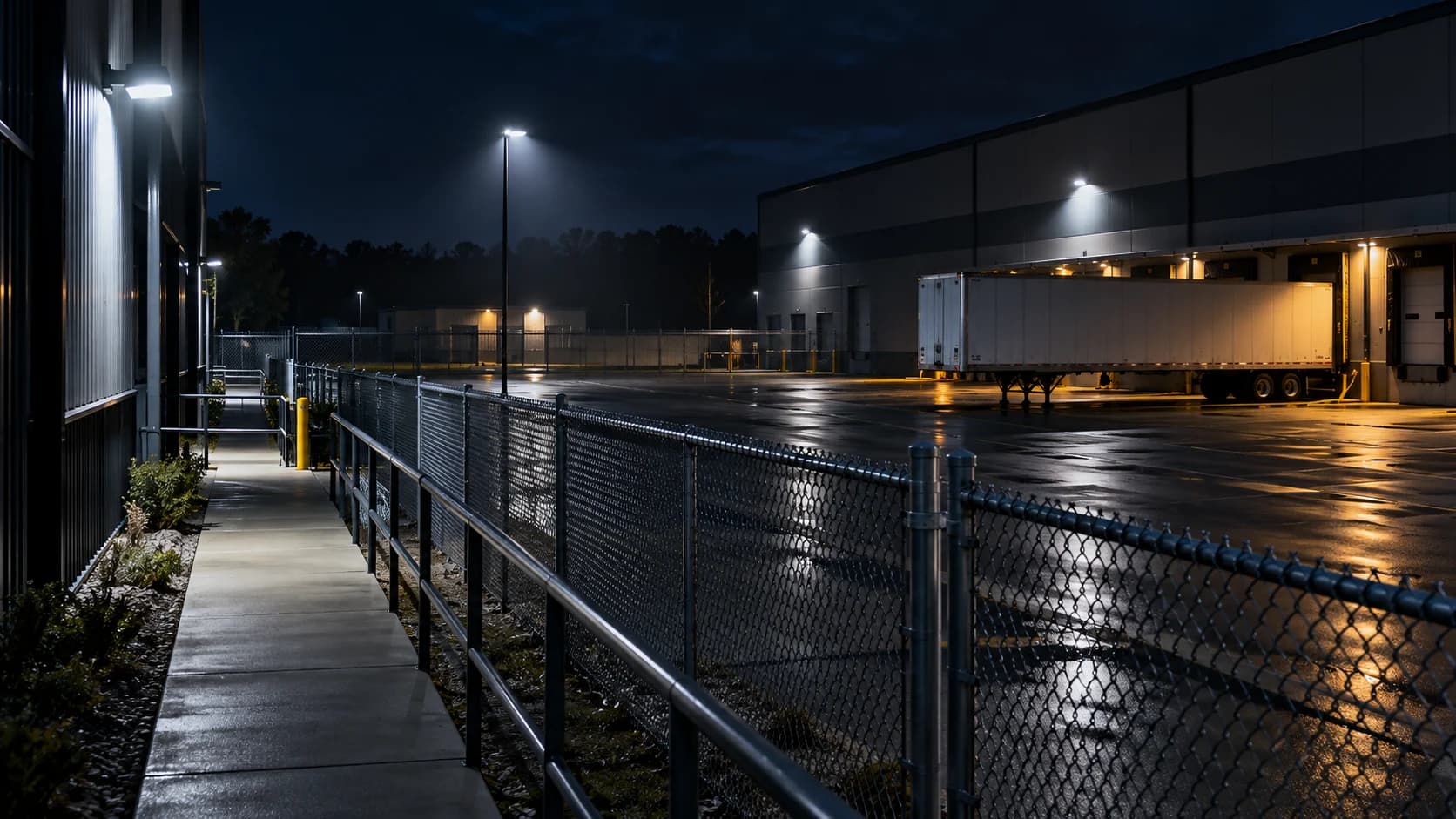
A clear view of an empty yard tells you surprisingly little about a person moving through it. A night walk puts the subject, route and lighting back into the test.
The idea in view · Planning diagram
Inspect the whole route under normal conditions
- Near approach
- Far boundary
- Shadow transition
- Bright source
- Normal obstruction
- Received moving detail
Choose the real route
Include approaches behind parked vehicles, gate openings and the far edge of the intended coverage area. Use normal site lighting rather than temporary test lighting. Arrange a safe observer and stop the exercise if vehicles or operations create a hazard.
Observe useful detail
Record whether the person remains visible, whether movement blurs and whether bright lights obscure the route. Compare the live view with recorded playback and the clip available to the reviewer. These can differ in resolution or timing.
Retest the failure
Document the exact location and condition rather than labeling the whole camera poor. Ask the installer to assess lighting, exposure, lens or positioning as appropriate. Repeat the same route after correction and keep unsupported areas outside the accepted scope.
Keep the test ordinary
Use the route people would actually take and the lights the site normally uses. Ask an authorized participant to move at an ordinary pace; walking straight toward the lens and waving at it may not represent the intended approach. Record the conditions, including parked vehicles, gate position and any headlights.
Compare three things: the camera’s live image, its recorded footage and the clip or stream a reviewer receives. A useful main stream does not automatically prove a lower-detail event view is adequate. Manufacturer image-quality guidance explains why a static image can look better than moving subjects. Accept the task that was demonstrated, not a general claim that the camera “has night vision”.
Define the task before judging the picture
A night walk test checks whether the view supports a particular operating task under relevant lighting. A pleasing still image is not enough. Identify the route, movement and detail the reviewer needs, such as recognizing that a person entered a restricted approach. Do not assume that recognizing presence also means the view can establish identity or a registration number.
Select representative conditions: normal lighting, the usual parked vehicles, the actual route and a safe time after dark. Record what was present so a future comparison has context. The test does not need to imitate a crime. It needs authorized movement that exercises the intended view and, where applicable, the event path. Plan the exercise with the site and monitoring team to avoid creating an unannounced response.
Reference context: Axis: image quality troubleshooting
Observe movement at the difficult points
Walk the full relevant route, including the far boundary and places where a person passes behind objects or near bright lights. Review moving detail rather than pausing only on the clearest frame. If the route passes through shadow, note whether the person remains visible and what detail is lost. Lighting transitions, glare and reflections can make one part of a view behave differently from the rest.
Keep the test within safe access arrangements. Do not climb to a camera, open powered equipment or enter a vehicle route without the site's approved procedure. The observer can record the condition while a qualified installer considers a correction. If a view fails the task, state the observed limit rather than guessing which setting or product will solve it. The correction needs a relevant retest.
Follow the event through to the review record
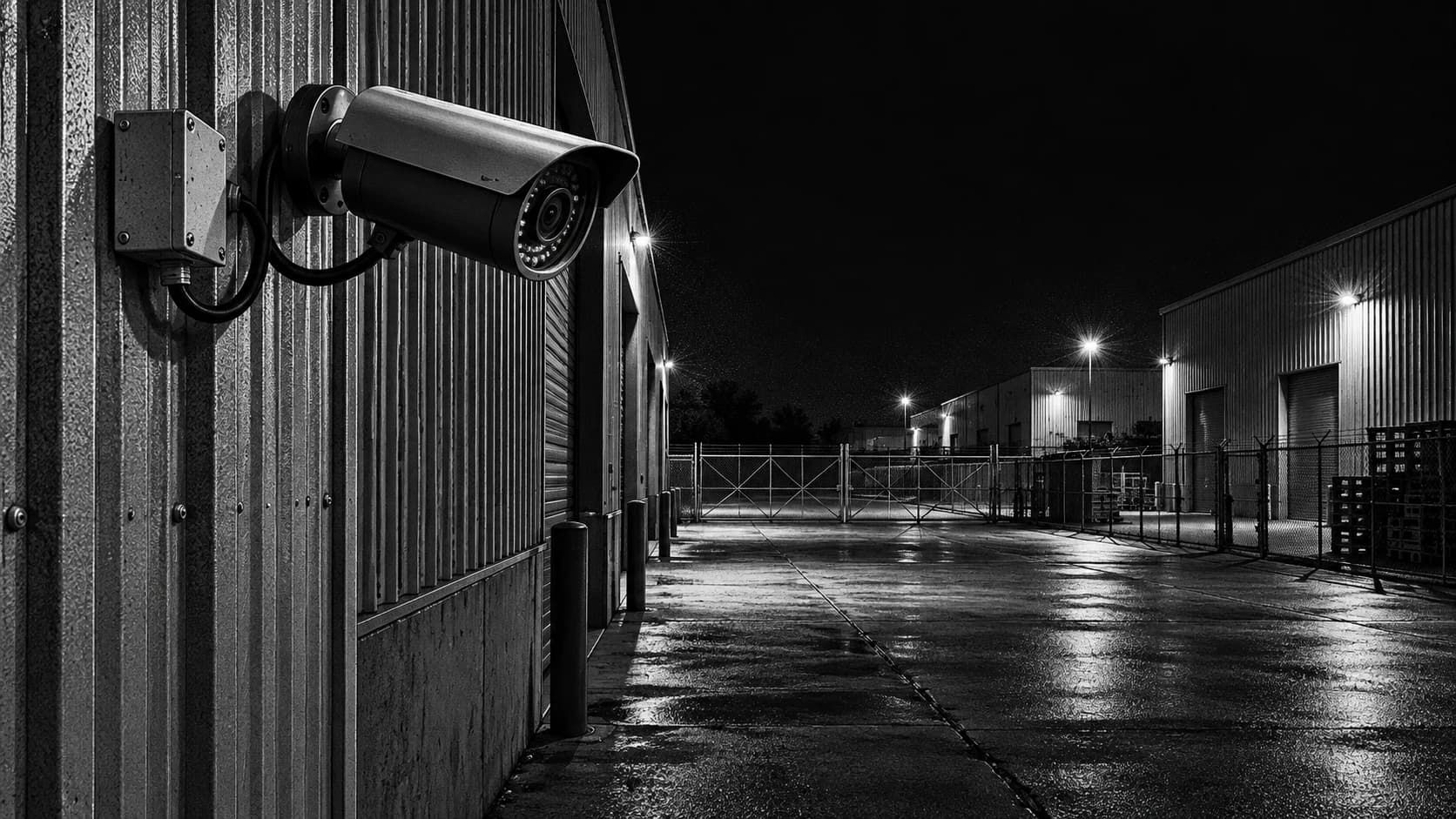
If the service depends on analytics, check whether the staged route creates the intended event and whether that event reaches the reviewing system. Local recording alone does not establish event delivery. Record the camera alias, rule version and relevant times so the team can locate a failure. Distinguish no visible subject, no event generated, no event received and no completed review.
A change to exposure, lighting, framing or event rules may affect other conditions. After a correction, repeat the difficult route and check the accepted normal activity as well. Avoid declaring success from a single improved still. The acceptance record should describe what was tested and what remains outside the evidence, including weather or seasonal conditions that were not present during the exercise.
Reference context: Axis: Object Analytics manual
A fictional test beneath a bright loading light
A rear lane looks bright on a phone screen because a loading light illuminates the nearest wall. During a staged walk, a person farther down the lane becomes a dark moving shape, then disappears behind a parked trailer. Raising the display brightness does not recover missing detail or remove the obstruction.
The team records two separate limits: useful image detail on the approach and a temporary physical blind spot. An installer can assess lighting and camera options, while the site owner considers the normal trailer position. After the agreed change, the same route is repeated and the event path checked. If the view still cannot support the task, its accepted duty should be narrower or another arrangement should be considered. The worksheet records the decision, not a claim that the site is now protected against every incident.
Make the call
What did the walk actually show?
| Situation | Decision to make | What to ask for |
|---|---|---|
| The person disappears behind stock | Whether the route is covered | An obstruction or view-position remedy |
| The scene is sharp but movement smears | Whether exposure supports the task | An installer review of moving footage |
| The person is visible but no event arrives | Which workflow stage failed | A detection and delivery investigation |
Before you move on
- Authorize a safe route and test window.
- Check moving footage and the resulting event after dark.
- Record the failure location and repeat after correction.
A worksheet you can actually use
Start with the blank sheet. Add one row per item, assign an owner and mark anything unresolved as pending. The completed example shows the level of detail to aim for.
Keep completed security plans private. Use aliases; keep passwords, access codes, personal contacts and footage links in your approved systems.
How to fill the worksheet
- View
- Identify the tested camera alias and relevant configuration so later changes do not inherit an obsolete acceptance result.
- Route segment
- Use the actual near, far or obstructed part of the route and record the task expected at that point.
- Lighting condition
- Describe the maintained lighting and relevant glare, shadows or weather. Temporary lights should remain explicit test conditions.
- Moving subject visible
- Record useful moving detail rather than judging only the sharpness of the static background or a paused favorable frame.
- Event received
- Where the duty depends on events, confirm receipt through the supported path separately from the existence of local recording.
- Action
- Assign the correction or decision and the relevant retest, keeping an unsupported route pending or explicitly limited.
A worked example
Fictional test: a person is visible beside the gate but disappears behind a stored container. The remedy is a coverage change; increasing alert sensitivity alone does not reveal the hidden route.
| View | Route segment | Lighting condition | Moving subject visible | Event received | Action |
|---|---|---|---|---|---|
| GATE-01 | Container edge | Normal night lights | No | Partial | Review coverage |
Questions readers bring to this task
What else should you know?
Can we use a recorded walk instead of testing live?
It can help assess image detail, but it does not exercise current event delivery, review and contact handling. Use the recording to identify a visual problem; use an agreed live exercise when the question is whether the service receives and acts on the event.
Link to this answer ↗Can I test with a screenshot from the camera?
A screenshot can document framing or glare, but it does not show how motion is rendered or whether an event reaches the reviewer. Use moving authorized activity and inspect the recorded or received result as appropriate. Retain screenshots as supporting evidence, not the entire acceptance test.
Link to this answer ↗Should the test happen with all lights switched on?
Test the lighting the site actually expects to maintain during the duty. If additional lighting is required, record it as a dependency and confirm who maintains it. A result obtained with temporary work lights should not be treated as evidence for normal overnight operation.
Link to this answer ↗What if weather changes the view later?
Record the original test conditions and review relevant new problems when they occur. Rain, reflections, vegetation and changed parking can alter the task. A previous successful walk does not remove the need to investigate a later observed limitation or retest after a material change.
Link to this answer ↗Notes & sources
This does not establish identification performance or a formal detection rate. Use the installer’s product-specific guidance.
Reviewed October 27, 2026. The examples and worksheets are planning aids, not customer results or a statement of contracted service.
- Axis: image quality troubleshooting
Manufacturer explanation of exposure, motion blur and infrared reflections; settings are product specific.
- GOV.UK: police requirements for CCTV systems
Purpose, quality, storage, export and playback considerations; not a promise of police response.
- Axis: Object Analytics manual
Manufacturer guidance on scenes, filters and detection limitations. Not evidence of NightMarshal detection performance.