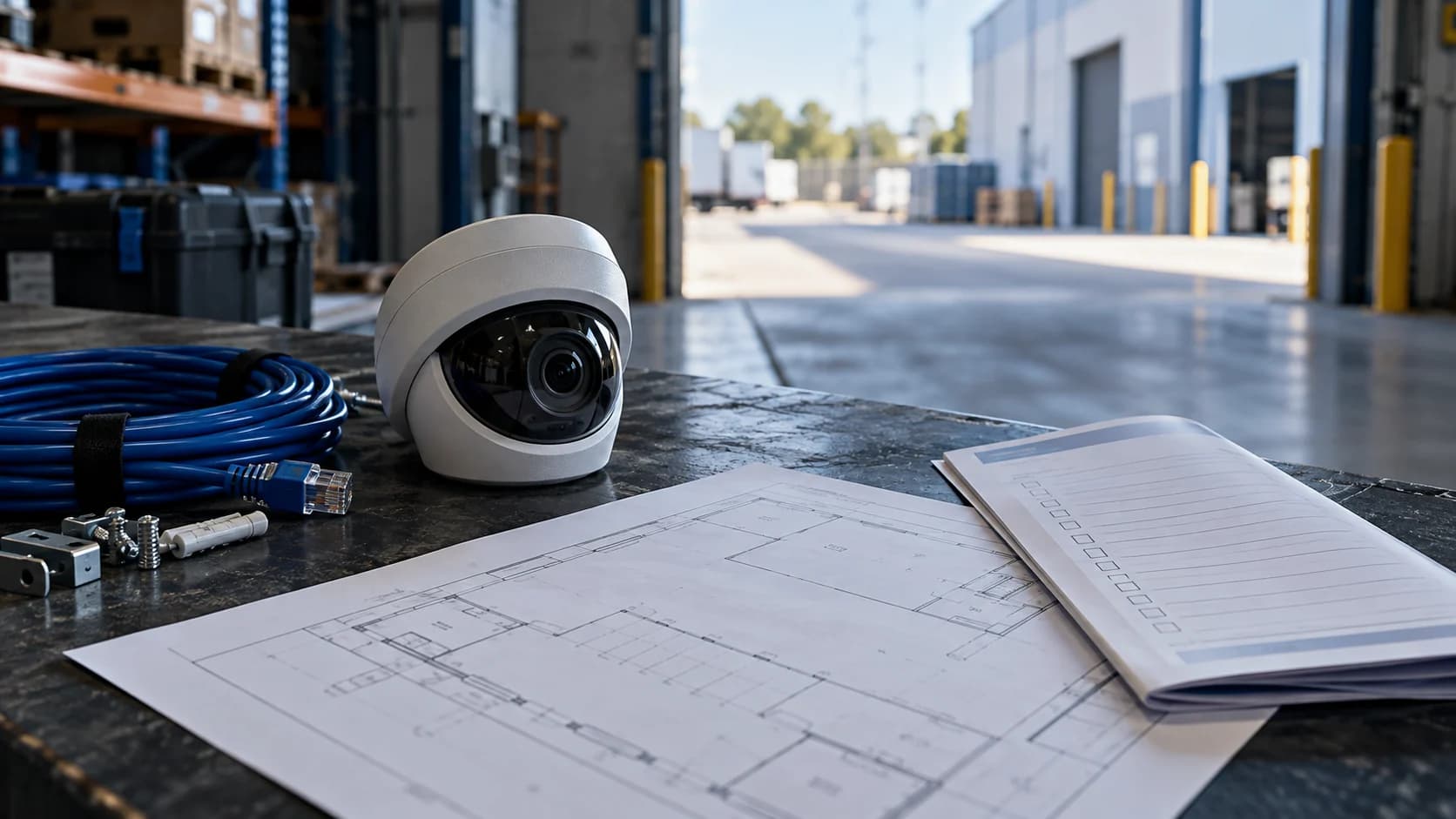
A handover is most revealing when the customer performs the task. Let an authorized member of your team find a staged event and export it before the installer leaves.
The idea in view · Planning diagram
The receiving team should repeat the task
- Find the view
- Retrieve a period
- Export safely
- Check playback
- Confirm ownership
- Close open work
Receive operational documentation
Request view aliases, equipment models, supported software, warranty details and maintenance contacts. Keep network diagrams and credentials in separate approved locations. Confirm who owns cloud subscriptions and recovery methods.
Demonstrate rather than assume
Ask an authorized user to locate a staged event, play it back and export it. Check that timestamps correspond with the reference time and that the exported file opens on an approved second device. Test intended night views at night.
Close exceptions in writing
List unavailable functions, unsupported views and outstanding training. Confirm whether monitoring is included or separately contracted. A completed installation does not establish a working remote review or response service.
Keep ownership separate from the password
Receiving a password does not necessarily establish ownership of a cloud account, subscription or recovery method. Ask who controls the account, who can invite users and what happens when the installer stops maintaining the system. Record the responsibility in the handover and exchange any secrets through the approved private channel.
Walk through the ordinary support tasks as well as the impressive live view. Can your team recognize a failed disk, find the right camera alias and contact the maintenance owner? Ask for documentation that matches the installed configuration. The SCC toolkit treats commissioning and acceptance as explicit stages; make the demonstration about your operational requirement rather than a generic feature tour.
Treat the handover as a transfer of usable control
The installer handover should leave the authorized system owner able to perform the tasks the business purchased. Ask the receiving person to find a named camera, retrieve a known recording, produce a usable export and identify a fault. Watching the installer do these things is helpful training, but it does not show that the receiving team can repeat them after the installer leaves.
Agree the scope of the handover before the final visit. It may include equipment records, approved access, licenses, warranty information, maintenance requirements and the tested operating configuration. Distinguish an installation completion from monitoring acceptance. The installer can demonstrate that equipment is installed and functioning while a separate review still needs to confirm event delivery, night visibility and response instructions. Keep the outstanding work visible rather than allowing one signature to imply every dependency has been accepted.
Reference context: Surveillance Camera Commissioner: Buyers Toolkit (2018)
Transfer access without creating a permanent shared account
Identify the person authorized to administer the system and agree how initial credentials or ownership are transferred through the approved private process. Check who retains access after installation, which roles are needed for maintenance and how temporary accounts are removed. A convenient shared administrator login makes later accountability and revocation harder. Do not place the password in the handover worksheet or a general email attachment.
Ask the vendor or installer to explain the supported recovery path and any dependencies on an application, cloud account or license. The business needs to know who owns those relationships and what happens if an employee or contractor leaves. Record the ownership and recovery procedure reference, not the secret itself. If the system's current arrangement cannot support the intended control, treat that as an open implementation issue rather than improvising an insecure workaround.
Reference context: Axis: device hardening guide

Collect evidence that can be used after the visit
Retain the accepted camera map, relevant configuration or version references and the results of retrieval and export tests. Note the required player or software where a native export depends on it. Check the output on an authorized receiving device rather than assuming a file extension proves playback. Include the time and time-zone context needed to relate an export to the original event.
Maintenance information should identify what the owner can safely inspect and what requires a trained technician. Cleaning a reachable surface under the manufacturer's instructions differs from opening equipment, working at height or altering electrical power. Keep support routes and warranty conditions available to the responsible team. An impressive equipment folder is less useful than a short, accurate record showing how to obtain help and which unresolved defects still affect the intended task.
Reference context: GOV.UK: Recovery and Acquisition of Video Evidence v3.0 (2022)
A fictional handover that catches a playback problem
At a small depot, the installer demonstrates live views and a recording search. The site manager then exports a short authorized test clip and tries it on the office computer. The file opens only with software that has not been supplied or approved. The camera installation may be functional, but the evidence-retrieval task is not yet handed over.
The team records the export format, required player and receiving-system restriction. The installer and system owner agree a supported way to produce and view the relevant output, then repeat the test. They also confirm which temporary installation account should be removed. The final record separates those completed checks from a rear view still awaiting a night walk. This avoids treating the handover meeting as proof of duties that were never exercised.
Make the call
What would prevent independent operation?
| Situation | Decision to make | What to ask for |
|---|---|---|
| Only the installer can administer users | Who owns long-term access | A documented ownership and recovery arrangement |
| Playback works but export does not | Whether evidence can leave the recorder usefully | An authorized export opened on another device |
| Daylight looks good but night is untested | What remains unaccepted | An agreed night test and exception record |
Before you move on
- Collect equipment and ownership records.
- Perform live-view, playback and export tasks.
- Record exceptions and maintenance responsibility before acceptance.
A worksheet you can actually use
Start with the blank sheet. Add one row per item, assign an owner and mark anything unresolved as pending. The completed example shows the level of detail to aim for.
Keep completed security plans private. Use aliases; keep passwords, access codes, personal contacts and footage links in your approved systems.
How to fill the worksheet
- Handover task
- Describe something the authorized receiving team should be able to repeat after the installer leaves.
- Customer account tested
- Record whether the intended role performed the task through the supported access arrangement, without storing its password.
- Evidence
- Reference retrieval, playback, ownership or other relevant handover evidence in the appropriate controlled location.
- Exception
- Keep incomplete functions and remaining conditions visible rather than allowing a completion signature to imply full acceptance.
- Owner
- Name the role responsible for resolving the exception and arranging the required receiving-team check.
A worked example
Fictional handover: live viewing works, but the customer cannot export without the installer’s account. Export access is corrected and demonstrated before sign-off.
| Handover task | Customer account tested | Evidence | Exception | Owner |
|---|---|---|---|---|
| Export staged clip | Yes after correction | Local test reference | None remaining | Installer |
Questions readers bring to this task
What else should you know?
Does an installer handover include monitoring acceptance?
Only if that duty is part of the agreed project and the relevant end-to-end tests are included. Hardware installation, local recording, remote event review and attendance are separate responsibilities. Name each accepted part and its owner.
Link to this answer ↗What should be handed over besides passwords?
The business needs equipment and view records, authorized ownership, a supported recovery process, retrieval and export instructions, maintenance information and a list of unresolved work. Transfer credentials through the approved private channel. The general handover record should identify responsibilities and references without exposing secrets.
Link to this answer ↗Should the installer keep remote access?
Only under an agreed purpose, approved permissions and a review or removal process. Maintenance access may be appropriate, but it should not persist merely because nobody asked about it. Record who authorizes it, how it is controlled and how the business can revoke it when the relationship changes.
Link to this answer ↗Can installation completion and monitoring acceptance happen together?
They can be coordinated, but they answer different questions. Keep the evidence for installation, useful views, event delivery and response duties identifiable. If a later test is required, record conditional acceptance or a pending duty rather than implying the whole service is complete.
Link to this answer ↗Notes & sources
This is an operational checklist. It does not certify compliance with a particular installation standard.
Reviewed October 27, 2026. The examples and worksheets are planning aids, not customer results or a statement of contracted service.
- Surveillance Camera Commissioner: Buyers Toolkit (2018)
Historical operational requirements, commissioning and handover context; not current legal advice or certification.
- ONVIF: conformance process
Conformance records are tied to specific firmware or software versions.
- GOV.UK: police requirements for CCTV systems
Purpose, quality, storage, export and playback considerations; not a promise of police response.
- Axis: device hardening guide
Manufacturer guidance on accounts, access, network boundaries and time settings; use your equipment vendor’s instructions.
- GOV.UK: Recovery and Acquisition of Video Evidence v3.0 (2022)
Native retrieval, playback and source context. A formal forensic procedure requires appropriate expertise.