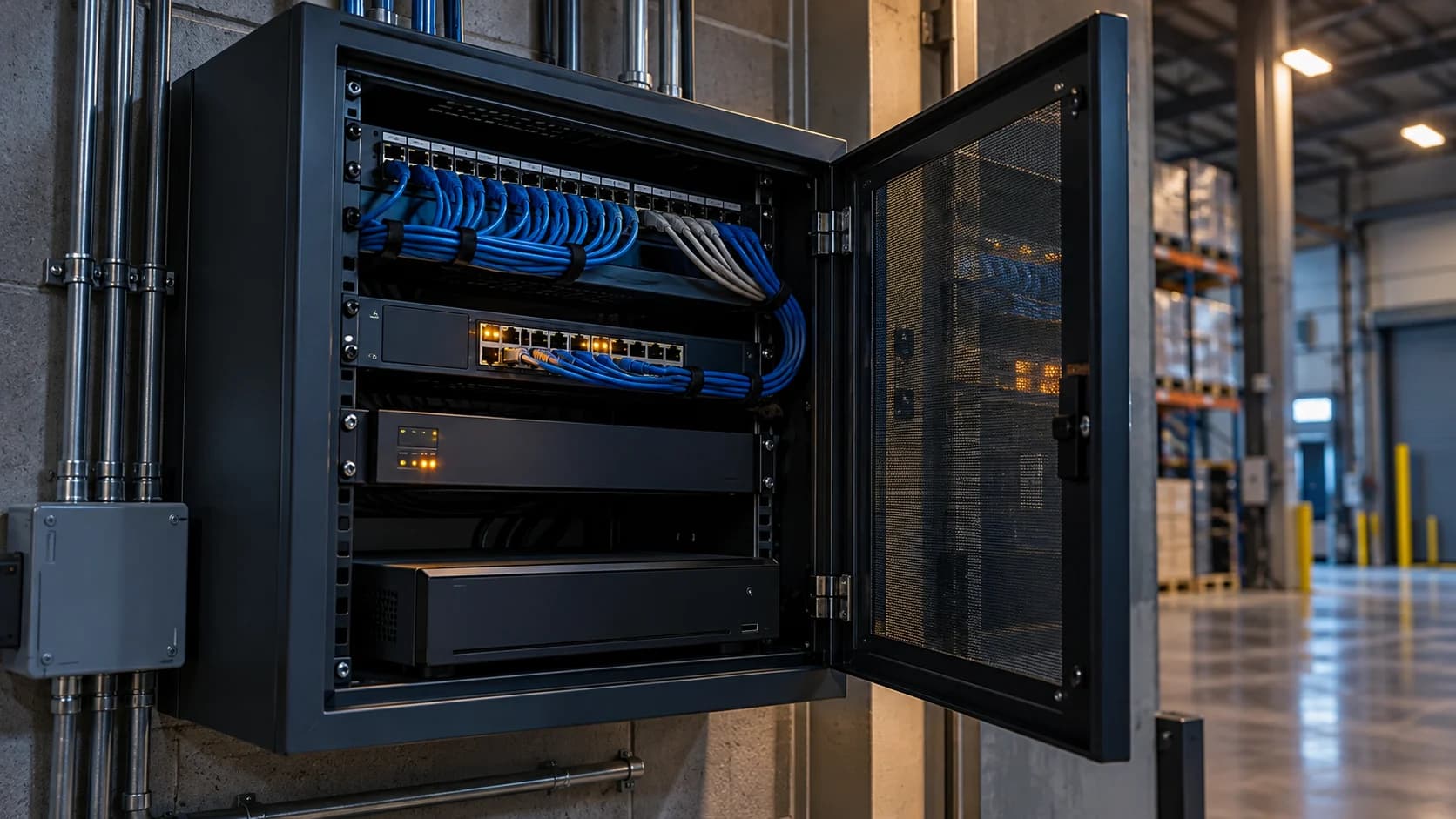
Network separation works only if the required paths are understood. Isolate indiscriminately and recording may fail; allow everything and the boundary has little meaning.
The idea in view · Planning diagram
Preserve required paths and restrict the rest
- Camera segment
- Recording path
- Event path
- Approved administration
- Approved remote route
- Boundary verification
Draw the traffic paths
List which device initiates each connection and why it exists. Include DNS, time services, updates and approved remote viewing. Do not publish internal addresses in a public worksheet; aliases are sufficient for early planning.
Check boundaries against real duties
A segmented camera network still needs an authorized path to its recorder and monitoring connection. Ask IT to review routing and access rules against the equipment vendor’s guidance. Separate the maintenance path from everyday review where the system supports it.
Test before and after
Verify recording, live review, event delivery and management after a boundary change. Keep a rollback plan. If a system stops reporting health, investigate the permitted path rather than disabling all restrictions to make it work.
Test the business function after the network change
Have IT map the intended traffic, including time services and approved management. Keep the reason for each permitted path beside the device groups. The point is to avoid solving a failed view by opening unrelated access. Vendor guidance can identify dependencies, but the organization’s network owner should approve the actual controls.
After the change, test fresh video, local recording, event delivery and authorized support access. Also verify that the intended separation remains in place. A working picture proves only one part of the result. If the system needs an exception, record its purpose, owner and review point rather than leaving an unexplained permanent rule.
Draw the required flows before changing the network
Network isolation should preserve necessary functions while restricting unnecessary paths. Start with the cameras, recorder, management clients, event integration, time source and approved remote access. For each, identify which system needs to communicate with which other system and for what purpose. An equipment list without the flow direction can lead to rules that either block legitimate work or allow more than intended.
Use the actual vendor documentation and the organization's network design. Different deployments may handle discovery, recording and events differently. Do not copy a generic port list into production without confirming its applicability. The planning worksheet can record a purpose and a restricted reference, while the administrator maintains detailed addresses and rules in the controlled technical system.
Reference context: Axis: Camera Station hardening guide
Separation is a design, not just a VLAN name
Placing cameras in a separate segment does not by itself establish which other networks can reach them or where they can send data. The authorized network owner needs to review routing, permitted flows, administration and remote access. A label such as camera network is useful organization, but the effective controls and their verification determine the boundary.
Include supporting infrastructure. Cameras may depend on switches, power, recording systems or approved services outside the segment. A change that leaves live video working can still interrupt event delivery, time synchronization or authorized exports. The design should identify those dependencies and the tests that will show they remain available. Avoid weakening other controls merely to restore a function without understanding why it failed.
Plan implementation and verification together
Record the intended change, affected duties, maintenance window and rollback owner. Coordinate the operating limitation with the monitoring team and site. If the connection will be interrupted, make clear who handles the temporary gap and how restoration is confirmed. A network change should not appear as an unexplained camera outage to the people relying on it.
After implementation, test the accepted paths: useful live or event video, recording, relevant events, authorized administration and any required retrieval. Also verify the restricted paths according to the approved network plan. Keep the results with the change reference. A successful ping or a single visible frame is not a complete acceptance test for the monitoring service, even if it is a useful technical clue.
A fictional isolation change that affects events
A site moves cameras into a dedicated segment. The recorder continues showing local video, so the team initially assumes the change is complete. Later, it discovers that the approved event path to the reviewing system no longer works. The camera picture was a partial test of the architecture rather than evidence of full service restoration.
The network and integration owners compare the required flow map with the applied rules and the supported vendor requirements. They make an authorized correction, repeat the staged event test and record the result. The lesson is to test the actual duty across the boundary. It is not an argument for unrestricted communication or a recommendation to expose camera services publicly whenever an integration becomes difficult.
Make the call
Which traffic path needs a decision?
| Situation | Decision to make | What to ask for |
|---|---|---|
| Cameras send video to a recorder | Whether the route is permitted | A defined device-group connection |
| The recorder reaches a remote service | Which outward path is needed | A provider and vendor-approved design |
| Maintenance needs access across a boundary | When and by whom it is allowed | An authorized management route and removal process |
Before you move on
- Document device groups and required connections.
- Have IT approve and apply the network rules.
- Retest required functions and unexpected access paths.
A worksheet you can actually use
Start with the blank sheet. Add one row per item, assign an owner and mark anything unresolved as pending. The completed example shows the level of detail to aim for.
Keep completed security plans private. Use aliases; keep passwords, access codes, personal contacts and footage links in your approved systems.
How to fill the worksheet
- Origin group
- Identify the initiating system or network group using an appropriate controlled alias rather than exposing detailed addressing broadly.
- Destination group
- Name the receiving group and distinguish recording, events, administration and remote review where the paths differ.
- Purpose
- State why the communication is needed, using the installed vendor and integration requirements rather than a generic port guess.
- Owner
- Assign the administrator authorized to approve and implement the path, with operating review where service is affected.
- Allowed window
- Record any intended period or temporary condition, including how a maintenance exception expires or is reviewed.
- Verified
- Check the required duty across the boundary and the intended restriction, not only a single ping or visible frame.
A worked example
Fictional network: camera aliases connect only to the approved recorder group. A dedicated maintenance route is enabled during an authorized window and removed afterward.
| Origin group | Destination group | Purpose | Owner | Allowed window | Verified |
|---|---|---|---|---|---|
| Cameras | Recorder | Recording | IT | Service hours | Pending |
Questions readers bring to this task
What else should you know?
Is a separate camera network enough to make the system secure?
No single architectural feature establishes security. Review effective access controls, device configuration, identity, updates and the approved remote path as part of the system design. Use vendor-specific hardening guidance and verify the boundaries with the responsible administrator.
Link to this answer ↗Why does video work while events fail?
Video and events may use different functions, permissions or network paths. Compare the actual supported integration and change record before guessing. A local picture confirms one part of the system; it does not establish that the reviewing service receives every required event.
Link to this answer ↗Who should change firewall rules for cameras?
The person authorized to manage the network should make or approve the change using the organization's process. The installer and provider can supply requirements and test evidence. Do not ask an unqualified site user to disable protections or improvise public access as a shortcut.
Link to this answer ↗Notes & sources
Network isolation needs qualified design and testing. This sheet does not prescribe firewall rules or guarantee security.
Reviewed October 27, 2026. The examples and worksheets are planning aids, not customer results or a statement of contracted service.
- Axis: device hardening guide
Manufacturer guidance on accounts, access, network boundaries and time settings; use your equipment vendor’s instructions.
- Axis: Camera Station hardening guide
Vendor-specific network exposure and segmentation guidance.