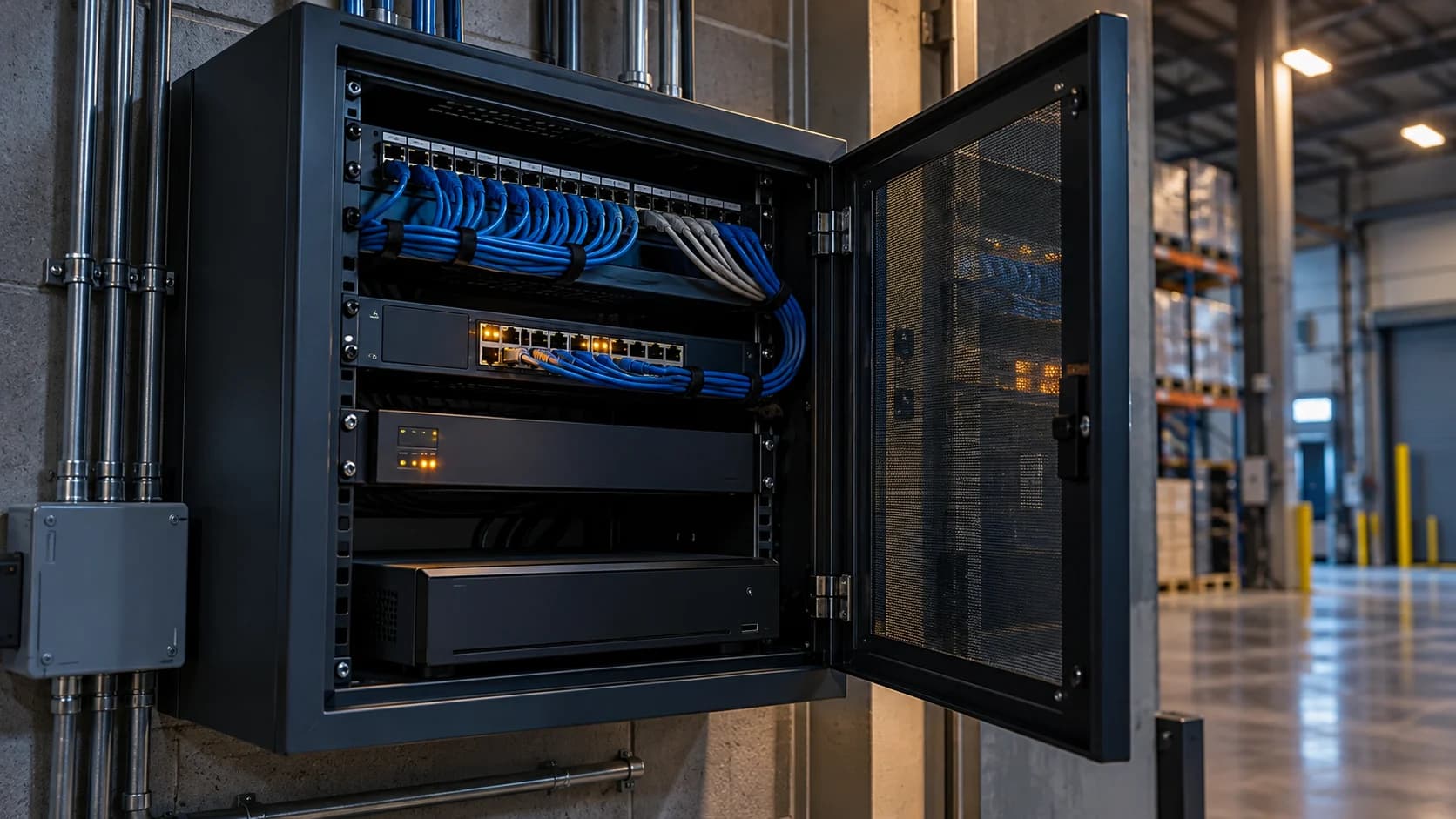
Start by finding the edge of the fault. One missing camera, a recorder with no views and a working local system that cannot be reached remotely need different investigations.
The idea in view · Planning diagram
Locate the first affected boundary
- One view missing
- Several views missing
- Recorder unavailable
- Local video intact
- Remote path unavailable
- Duty restoration test
Make the call
Find the first useful branch
| Situation | Decision to make | What to ask for |
|---|---|---|
| One camera is missing locally and remotely | A camera, cable, power or local-path fault needs checking | Authorized installer diagnostics |
| All remote views fail but local playback works | The remote connection needs investigation | Recorder, network and service-path evidence |
| Live video returns but events do not | Restoration is incomplete | A supported event-delivery test |
Establish the fault boundary
Check whether other views on the same recorder work and whether the site connection is available. Ask authorized local staff whether the camera records locally. A failed remote view with working local recording points to a different fault boundary from a camera with no power.
Preserve useful evidence
Record when the feed was last known good, the fault message and recent maintenance. Avoid repeated unplanned reboots that erase useful context or interrupt other views. Do not reset a camera to factory defaults as an initial diagnostic step.
Verify restoration
Check fresh live video, recording and the relevant alert path. A recovered dashboard tile may show a frozen image or old clip. Close the fault only when the required task works and the coverage owner has received confirmation.
Give the next team a usable fault report
Include the aliases affected, last known good time, displayed error and any recent change. State whether local recording was actually checked or merely assumed. A short precise fault report can save an installer from checking every camera when the shared recorder path is the obvious place to start.
Keep the coverage owner informed while the technical investigation continues. If a gate view is unavailable remotely, the operating question is who knows and what approved fallback applies. Do not close the incident when a status icon changes color. Confirm fresh moving video, the necessary recording and the agreed event path, then record who accepted restoration.
First identify how much of the system is missing
An offline message is a symptom, not a complete diagnosis. Ask whether one camera, a group, the recorder or only the remote viewing path is affected. Compare authorized local viewing, recorded playback and the monitoring interface where available. Record the time first noticed, camera aliases and any recent work or power event. These observations help route the investigation without assuming that every fault belongs to the internet provider.
Keep the operational consequence separate from the technical cause. The cause may still be unknown while the monitoring view is unavailable. The business and reviewing team need to know which duty is affected and what temporary arrangement is authorized. Do not wait for a repair diagnosis before communicating a material gap, and do not describe a restored status indicator as proof that the full service has resumed.
Use safe observations before physical intervention
A site user can often report visible power indicators, the affected views and whether other business systems are working. Follow the organization's access and safety rules. Do not climb to a camera, open electrical equipment or repeatedly restart critical systems without authorization. A restart can interrupt recordings or make fault evidence harder to interpret, so coordinate it with the responsible technical owner.
Compare patterns. A group of cameras on the same switch suggests a different boundary from one camera missing while its neighbors remain visible. Remote failure with intact local recording suggests another path. These are investigation clues, not final causes. Preserve the observations and let the authorized installer, IT owner or vendor assess the relevant part of the system using its supported procedures.
Confirm restoration at the duty level
After a repair, check useful video, relevant recording and required event delivery. If a camera was replaced or reset, confirm the alias, framing, time and accepted configuration. A new view may be online but pointed differently or using rules that no longer match the task. Repeat the relevant acceptance test instead of closing the issue solely because a green indicator returned.
Record the outage period with appropriate uncertainty. If nobody knows the exact start, distinguish last confirmed working from first observed failure. Keep repair completion, technical restoration and resumed monitoring times separate where they differ. That gives service review a more honest record and helps identify a recurring dependency without manufacturing precise downtime from incomplete evidence.
A fictional fault affecting only remote access
At a depot, the monitoring team loses several views while the site can still retrieve local recordings. The team records the remote failure and confirms the affected duties. IT finds that a recent authorized network change coincides with the problem, but the incident record does not assume causation until the supported path is checked.
After correction, an authorized staged event reaches the reviewer and the team verifies usable video and the current response instruction. The closure note identifies what was tested and when service resumed. Local recording during the gap may be relevant evidence, but it does not mean remote review continued. Keeping those facts separate prevents an apparently reassuring statement from erasing an actual interruption in the contracted duty.
Before you move on
- Notify the coverage gap and check other views.
- Escalate power, recorder or network checks to the authorized owner.
- Retest video and events before closing the fault.
A worksheet you can actually use
Start with the blank sheet. Add one row per item, assign an owner and mark anything unresolved as pending. The completed example shows the level of detail to aim for.
Keep completed security plans private. Use aliases; keep passwords, access codes, personal contacts and footage links in your approved systems.
How to fill the worksheet
- View or group
- Identify the affected alias or group and keep single-camera, shared-device and remote-only symptoms distinguishable.
- Last good time
- Record the last confirmed working observation and its source; do not invent an exact failure start from an uncertain gap.
- Local recording
- State whether relevant local recording was actually checked, including unknown status rather than assuming it continued.
- Other views affected
- Describe the pattern across neighboring or shared-path views as an investigation clue, not a final diagnosis.
- Owner
- Assign the authorized technical investigator and the site role responsible for the temporary operating consequence.
- Restoration test
- Verify useful views and relevant recording or events after correction, with framing, time and configuration checked where needed.
A worked example
Fictional fault: all cameras on recorder B disappear remotely but remain visible on site. IT investigates the recorder’s remote connection rather than replacing each camera.
| View or group | Last good time | Local recording | Other views affected | Owner | Restoration test |
|---|---|---|---|---|---|
| Recorder B | To confirm | Working | All on B | IT | Pending |
Questions readers bring to this task
What else should you know?
Should we factory-reset the camera?
Not as a casual first step. Resetting can remove configuration, access settings or event rules. Have the authorized owner follow the model’s support procedure and plan restoration of the accepted configuration before making a disruptive change.
Link to this answer ↗Should I restart the recorder first?
Not automatically. Record the symptoms and coordinate with the responsible owner before interrupting a system that may still be recording or serving other duties. A supported restart may be appropriate, but it should follow a reasoned investigation and account for the operational effect.
Link to this answer ↗Does offline mean no footage was recorded?
Not necessarily. A remote path can fail while local recording continues, or a local device can fail entirely. Check the relevant systems and record what was observed. Do not promise retained footage until an authorized person has verified the required date and view.
Link to this answer ↗When can the fault be closed?
When the agreed restoration checks pass and the responsible operating team knows the accepted duty has resumed. Keep any remaining defect or limitation open with an owner. A repaired device is not full closure if event delivery, framing or response instructions remain unverified.
Link to this answer ↗Notes & sources
Do not open electrical equipment or make unauthorized network changes. Physical checks belong to trained site or installation staff.
Reviewed October 27, 2026. The examples and worksheets are planning aids, not customer results or a statement of contracted service.
- Axis: device hardening guide
Manufacturer guidance on accounts, access, network boundaries and time settings; use your equipment vendor’s instructions.
- Axis: Camera Station hardening guide
Vendor-specific network exposure and segmentation guidance.