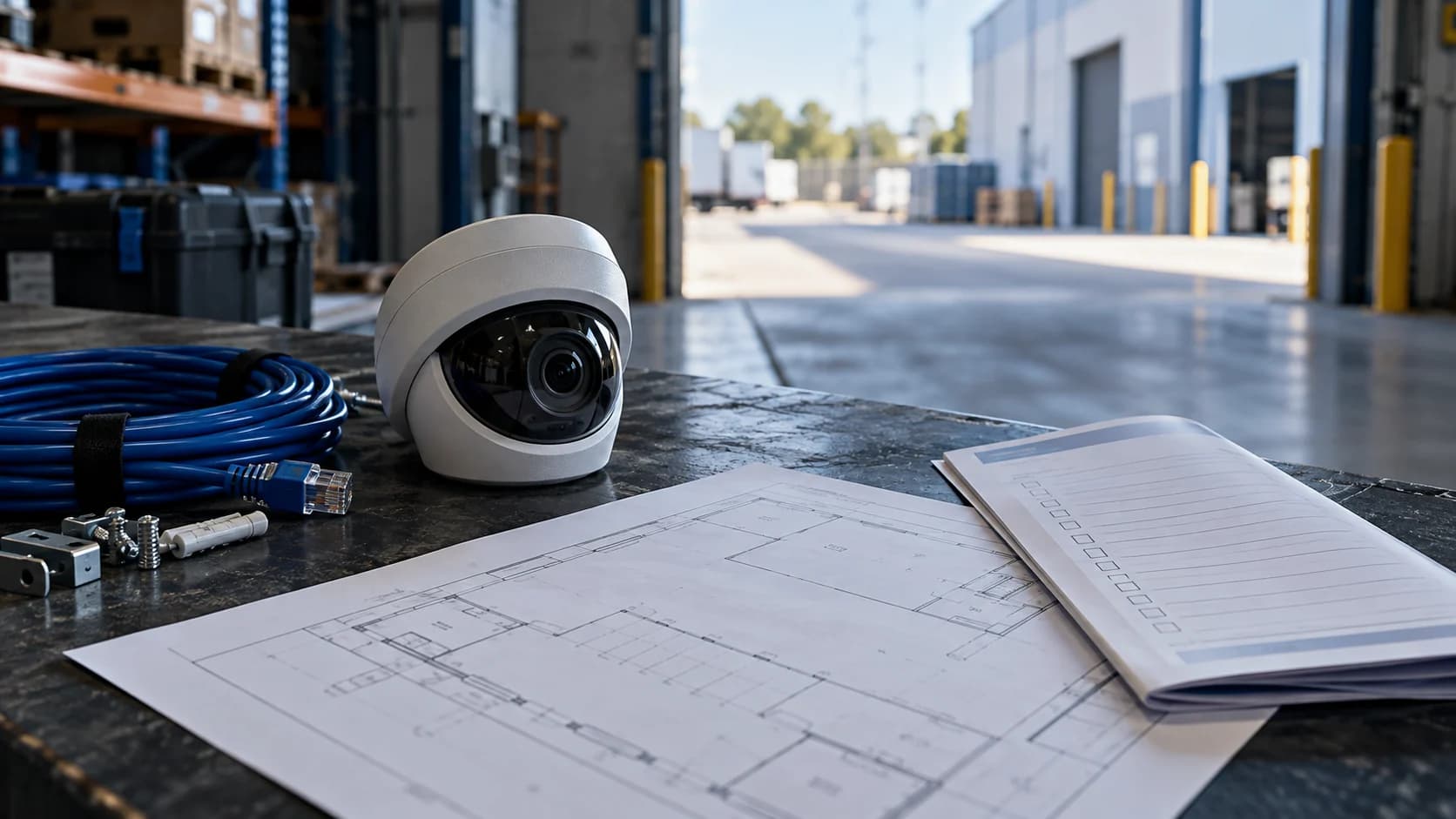
You do not need a perfect technical dossier for the first conversation. You do need a clear account of the work you want someone else to handle.
The idea in view · Planning diagram
Bring what you know and assign what you do not
- Site task
- Candidate views
- Equipment aliases
- Known limitations
- Technical owner
- Response owner
Describe the decision you need
Explain which areas need attention and what happens today when something occurs. A clear question such as “who handles gate alerts after closing?” is more useful than a list of camera specifications alone. Include any local responder arrangement without sending personal contact numbers through a public worksheet.
Prepare a view list
Use camera aliases, approximate locations and known limitations. Note whether the site has reliable internet and whether views have been checked after dark. Exact network addresses, account details and clips are unnecessary for an initial enquiry.
Set realistic expectations
A first discussion does not establish compatibility or local attendance. Ask what evidence the technical review will require, who authorizes testing and what the resulting written scope will cover. Keep unsupported sites visible rather than omitting them from the portfolio brief.
Bring a problem statement the team can test
“We have twelve cameras” describes the equipment. “Our manager is the only person handling gate alerts after closing” describes the operating problem. Include the areas, hours and decisions involved. This helps distinguish a need for event review from installation, recording, access control or a local attendance arrangement.
Be candid about gaps. List views that have not been checked at night, unknown recorder versions and unreliable connections. Those are assessment inputs, not reasons to hide a site from the brief. The next discussion should identify which checks are needed, who can authorize them and what a written scope would need to resolve. Keep confidential details for that later approved process.
Gather the operating story before the equipment list
Describe what the site does, when it opens and what changes after hours. Identify the areas that matter, expected deliveries, restricted routes and the decisions people need help making. A simple marked plan and a short explanation can be more useful for an initial assessment than a long model-number list without context. The aim is to connect camera views to real duties.
Separate confirmed facts from questions. You may know the closing time but not the recorder firmware or upload capacity. Mark those items unknown and name the person who can obtain them. Do not guess a model or claim that all views work at night because daytime images look clear. The assessment should reveal what needs testing, not reward the most complete-looking but unreliable form.
Share technical information safely
Useful preparation can include camera and recorder manufacturers, model identifiers, approximate view count, the system administrator and the existing method of remote viewing. Keep passwords, recovery codes, private footage and detailed personal contact lists out of public enquiry forms. If more sensitive information is needed later, agree the appropriate private channel and authorized recipients first.
Ask the camera installer or IT owner which access options are supported and which restrictions apply. A successful personal mobile-app login does not prove that a service integration can use the same path. Do not open ports, disable protections or create a shared administrator account just to accelerate an assessment. Compatibility and access should be evaluated together, with the responsible administrator approving any implementation change.
Bring examples of difficult conditions
Identify the view that becomes dark, the trailer that blocks a route and the time when the connection is busiest. These details help choose representative tests. If an image can be shared appropriately, use an authorized, relevant example and remove unnecessary personal detail. A site walk may be preferable when a screenshot cannot explain changing obstructions or the intended route.
Think about response as well as visibility. Who can decide that a late arrival is expected? Who can act locally? What happens if the first contact is unavailable? A provider can help define a workable plan, but it cannot infer authority from a phone number. Bring the business owner of those decisions into the discussion before a proposed camera duty becomes an assumed response commitment.
Reference context: Axis: image quality troubleshooting
A fictional first assessment with several unknowns
Imagine a small warehouse has eight cameras, a working phone app and a rear lane that staff rarely use after dark. The manager knows the delivery schedule but not whether event clips can be shared through a supported integration. A useful first assessment can proceed with the operating plan, equipment labels and an IT contact. It does not need a password posted into the enquiry.
The resulting work list might include confirming the recorder version, testing the rear lane at night, checking upload under normal activity and agreeing a fallback contact. The provider can then distinguish views ready for acceptance from those needing work. That is more credible than treating the working app as proof of full compatibility. Use the preparation worksheet to assign each missing item and keep the commercial scope provisional until the relevant checks are complete.
Make the call
What is worth preparing now?
| Situation | Decision to make | What to ask for |
|---|---|---|
| You know the problem but not the camera model | Whether an initial discussion can proceed | A site summary and permission to identify equipment later |
| You operate in several countries | Which sites need separate requirements | Country, hours and language needs by site |
| You have footage of an incident | How it may be shared safely if needed | An authorized secure process, not an enquiry attachment |
Before you move on
- Write the main problem in one sentence.
- List camera models, view aliases, hours and countries.
- Nominate an authorized person for a later technical review.
A worksheet you can actually use
Start with the blank sheet. Add one row per item, assign an owner and mark anything unresolved as pending. The completed example shows the level of detail to aim for.
Keep completed security plans private. Use aliases; keep passwords, access codes, personal contacts and footage links in your approved systems.
How to fill the worksheet
- Site alias
- Use an internal alias appropriate for planning. Share precise location information only through the agreed assessment process.
- Country
- Identify the actual site country for availability and local-review questions; do not infer delivery from a worldwide enquiry page.
- Camera count
- Record a confirmed count or mark it approximate, distinguishing devices from candidate views and accepted monitoring duties.
- Recorder model
- Use the confirmed model and relevant version where available. Mark unknown details pending instead of guessing from appearance.
- Coverage task
- Describe the area, hours and decision the site needs supported so equipment questions remain connected to an operating purpose.
- Known limitation
- Record known night, obstruction, connection or response gaps and identify the person who can help investigate them.
A worked example
Fictional enquiry: a two-site operator lists 12 cameras, a recorder model and evening delivery exceptions. It requests gate alert review and identifies one site with unreliable connectivity.
| Site alias | Country | Camera count | Recorder model | Coverage task | Known limitation |
|---|---|---|---|---|---|
| Depot A | United Kingdom | 12 | To confirm | Closed-gate review | One weak connection |
Questions readers bring to this task
What else should you know?
What should we expect after the first discussion?
Ask for the proposed assessment steps, the authorized contacts needed and the remaining compatibility questions. A first conversation is not acceptance of monitoring or a promise of attendance. The service should be defined after the relevant technical and local requirements are understood.
Link to this answer ↗Do I need to replace cameras before asking for an assessment?
Not necessarily. Existing equipment may be suitable, need configuration or lighting work, or require replacement for a particular duty. Start with the system and task you have. Compatibility and useful views need assessment before support is confirmed or new equipment is purchased.
Link to this answer ↗Should I send camera passwords with my enquiry?
No. Use the initial enquiry for non-sensitive requirements and equipment information. Any access needed for a later assessment should use an approved private process with the authorized system owner involved. Keep credentials and footage out of public forms and ordinary planning worksheets.
Link to this answer ↗Can a site with unknown internet capacity still start?
Yes, as a planning conversation. Record capacity as unknown, identify who manages the connection and arrange a relevant measurement before accepting a remote duty. A broadband subscription headline is not a substitute for checking the upload and service path under the site's actual conditions.
Link to this answer ↗Notes & sources
NightMarshal welcomes worldwide enquiries; supported service, language, cameras and response are confirmed separately for each site.
Reviewed October 27, 2026. The examples and worksheets are planning aids, not customer results or a statement of contracted service.
- ProtectUK: CCTV operational checklist (2022)
Operational prompts on purpose, coverage, lighting and review. Its historical legal references are not used as current law.
- Surveillance Camera Commissioner: Buyers Toolkit (2018)
Historical operational requirements, commissioning and handover context; not current legal advice or certification.
- Axis: image quality troubleshooting
Manufacturer explanation of exposure, motion blur and infrared reflections; settings are product specific.