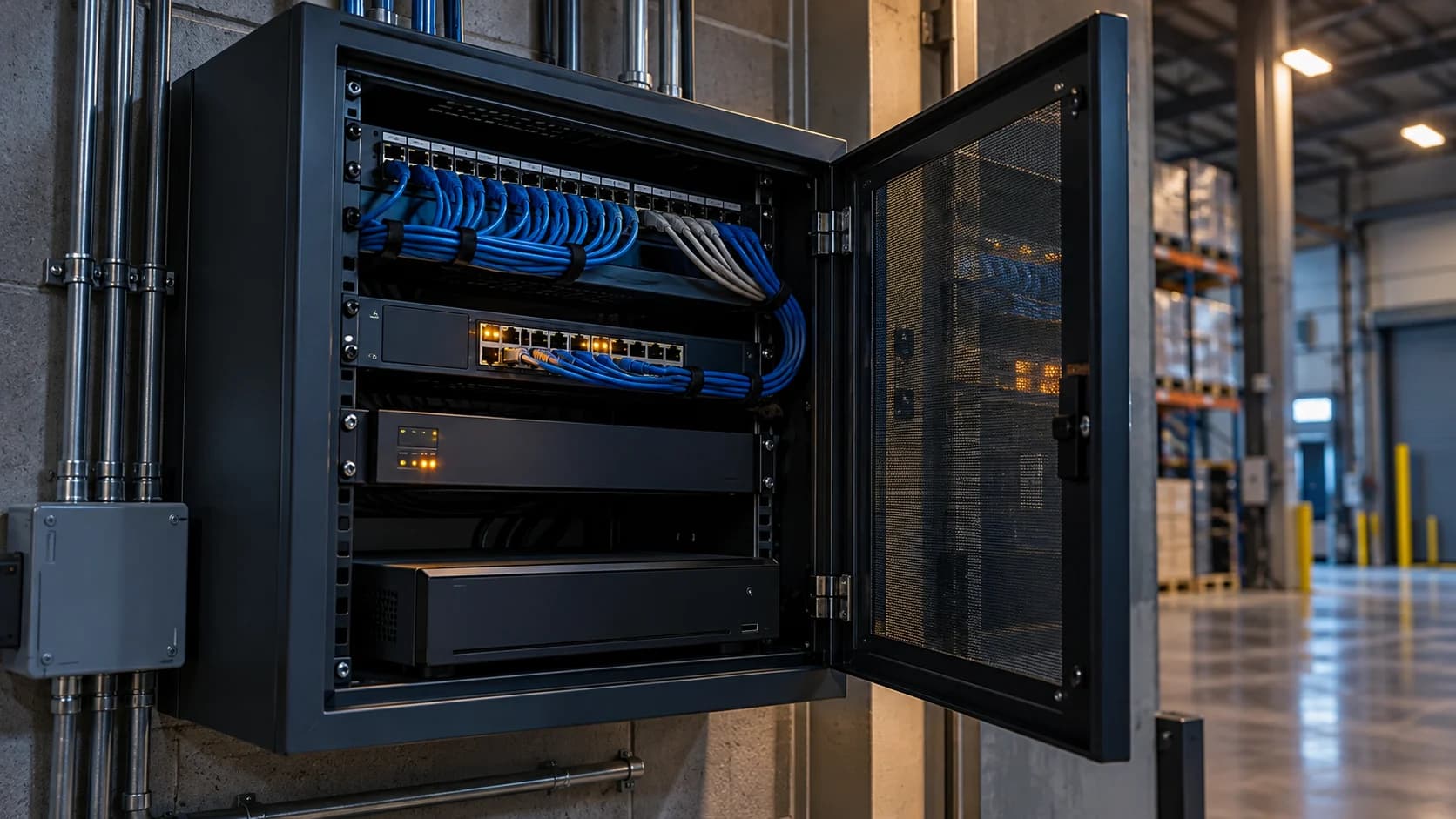
Buffering is a symptom. Compare the same staged event in local playback and remote review before changing the camera or buying a faster connection.
The idea in view · Planning diagram
Compare paths before changing image quality
- Same camera
- Same period
- Local playback
- Remote playback
- Competing traffic
- Supported correction test
Make the call
Where does the delay first appear?
| Situation | Decision to make | What to ask for |
|---|---|---|
| Local recording is smooth; remote playback stalls | The remote delivery path is suspect | Concurrent load and received-stream checks |
| Local and remote footage both break up | The issue may precede remote delivery | Camera, recorder and local network review |
| Only one viewing device struggles | The client path needs checking | An approved comparison on another client |
Separate delay from missing footage
A slow remote player does not necessarily mean local recording failed. Check a known staged event in playback and compare timestamps. Establish whether only one user, one stream or all remote views are affected.
Look for correlated load
Note scheduled backups, busy scene periods and simultaneous viewing. Ask IT to inspect upload saturation, loss and latency. A speed test at an empty site is not equivalent to sustained delivery during normal operations.
Change one variable
Have the installer test a supported stream setting or network remedy, keeping the original configuration. Verify that any lower bitrate still supplies enough detail for the agreed task. Recheck overlapping events and record the outcome before accepting the change.
Use a timeline instead of a general complaint
Record when the fault occurs and which stream is affected. Note simultaneous uploads, additional viewers and scene changes. Ask IT to inspect relevant loss, latency and saturation evidence. Keep the observation separate from the diagnosis: “stalls during the evening backup” is a useful correlation, not proof that the backup is the only cause.
Have support change one variable through an approved maintenance process. Test the same useful task afterward and preserve the former configuration. If a lower-detail stream improves playback, inspect whether the reviewer can still make the required decision. A technically smooth but uninformative image does not meet the original need.
Compare the same view through different paths
Begin with a precise symptom: delayed live video, repeated pauses, missing event context or slow export. Record the affected view, time and client. Then compare authorized local playback with the relevant remote path. If local video is already poor, the internet connection may not be the first boundary to investigate. If only one remote client struggles, the receiving device or route deserves attention as well as the site.
Use the same scene and period where possible. Comparing a quiet local view at noon with a busy remote view at night changes several variables. Note whether all cameras are affected or only one stream or recorder. The purpose is to narrow the fault, not produce a confident diagnosis from one speed test. Keep the monitoring team informed of any limitation that prevents useful review while investigation continues.
Check traffic and settings without sacrificing the task
Confirm the actual upload demand, simultaneous views and other business traffic. A large download-speed figure does not establish the usable uplink at the relevant time. Check the provider's supported stream and integration requirements with the system owner. Do not expose a camera directly to the internet or disable security controls merely to see whether a different route feels faster.
Changing resolution, frame rate or bitrate can reduce traffic, but the changed image must still support the operating duty. A smoother picture that no longer shows useful moving detail is not an accepted correction. Record the original settings and change one supported variable at a time where practical. Avoid changing several devices together before establishing which path is affected; that can make the result difficult to interpret or reverse.
Distinguish latency from missing context
A delayed view and a missing event clip are different problems even when both make review difficult. Check whether the event reached the system, whether the associated video is available and whether the timestamp context is consistent. The reviewing interface may show an event before all expected context can be retrieved. Describe the observation instead of assuming the reviewer had enough information at the first notification.
After a correction, repeat a representative viewing or event test during the relevant load period. Record the result and any remaining limitation. A single successful frame confirms very little about a sustained viewing duty. If performance remains variable, agree the operational consequence and further measurement with the provider and IT owner rather than closing the issue with an unverified statement that the connection is fast enough.
A fictional buffering investigation during evening backup
A warehouse's camera app is smooth locally, but the remote service pauses during its evening duty. The team records the period and discovers that a scheduled business backup overlaps it. That correlation is a useful lead, not proof that the backup is the only cause. IT compares the path under the relevant conditions and confirms the competing traffic effect.
The approved correction changes the traffic arrangement without reducing the accepted camera detail. A staged event and representative remote viewing test then confirm the required work. The incident record separates the observed buffering period, the technical change and the verified resumption of useful review. If some views remain affected, those stay open. The workflow protects against solving a visible symptom while leaving the actual monitoring task unreliable.
Before you move on
- Compare local and remote behavior using the same event.
- Record connection load during the fault.
- Retest a single approved change under representative conditions.
A worksheet you can actually use
Start with the blank sheet. Add one row per item, assign an owner and mark anything unresolved as pending. The completed example shows the level of detail to aim for.
Keep completed security plans private. Use aliases; keep passwords, access codes, personal contacts and footage links in your approved systems.
How to fill the worksheet
- Time
- Record when the symptom occurred and its time-zone context so traffic and system records can be compared meaningfully.
- View
- Use the same camera and relevant stream for local-versus-remote comparison rather than changing several inputs at once.
- Local result
- Describe observed local playback under comparable conditions and state what that result does not establish.
- Remote result
- Record the remote symptom precisely, distinguishing pauses, latency and missing event context where possible.
- Concurrent load
- Identify measured or known overlapping business traffic and keep unmeasured load labeled as an assumption.
- Approved action
- Document the supported correction, approver and task retest. Lower traffic is not useful if the required detail disappears.
A worked example
Fictional fault: remote clips stall each evening when a backup upload begins. IT changes the backup schedule and repeats the camera test during the next busy period.
| Time | View | Local result | Remote result | Concurrent load | Approved action |
|---|---|---|---|---|---|
| Evening test | GATE-01 | Smooth | Stalls | Backup upload | IT review |
Questions readers bring to this task
What else should you know?
How do we know the fault is resolved?
Repeat the relevant task under the conditions associated with the problem and record the received result. Keep any condition that was not reproduced open. Confirm local recording and event delivery as well if the corrective change could affect them.
Link to this answer ↗Will buying a faster internet plan fix buffering?
It may help if the site uplink is the demonstrated bottleneck, but buffering can arise elsewhere in the path. Compare local and remote behavior, actual traffic and the receiving system first. Purchase or configuration decisions should follow the observed constraint rather than the symptom alone.
Link to this answer ↗Is a low-bitrate substream suitable for monitoring?
Only if the provider supports it and the view still supplies the detail required for the accepted task. Test moving activity under relevant lighting. A stream that is convenient to transmit may be unsuitable for deciding what happened at the far boundary.
Link to this answer ↗What should I send to technical support?
Provide camera and system aliases, relevant times, the symptom, comparison results, approved configuration references and recent changes. Share sensitive logs or footage only through the agreed private process. Do not paste credentials or unrestricted camera links into an ordinary issue description.
Link to this answer ↗Notes & sources
No universal bitrate or network threshold is supplied. Do not reduce image quality below the agreed operational need just to hide buffering.
Reviewed October 27, 2026. The examples and worksheets are planning aids, not customer results or a statement of contracted service.
- SCW: professional camera monitoring
Provider description of alert review and scoped response. Its offer is not a NightMarshal commitment.
- Axis: Camera Station hardening guide
Vendor-specific network exposure and segmentation guidance.