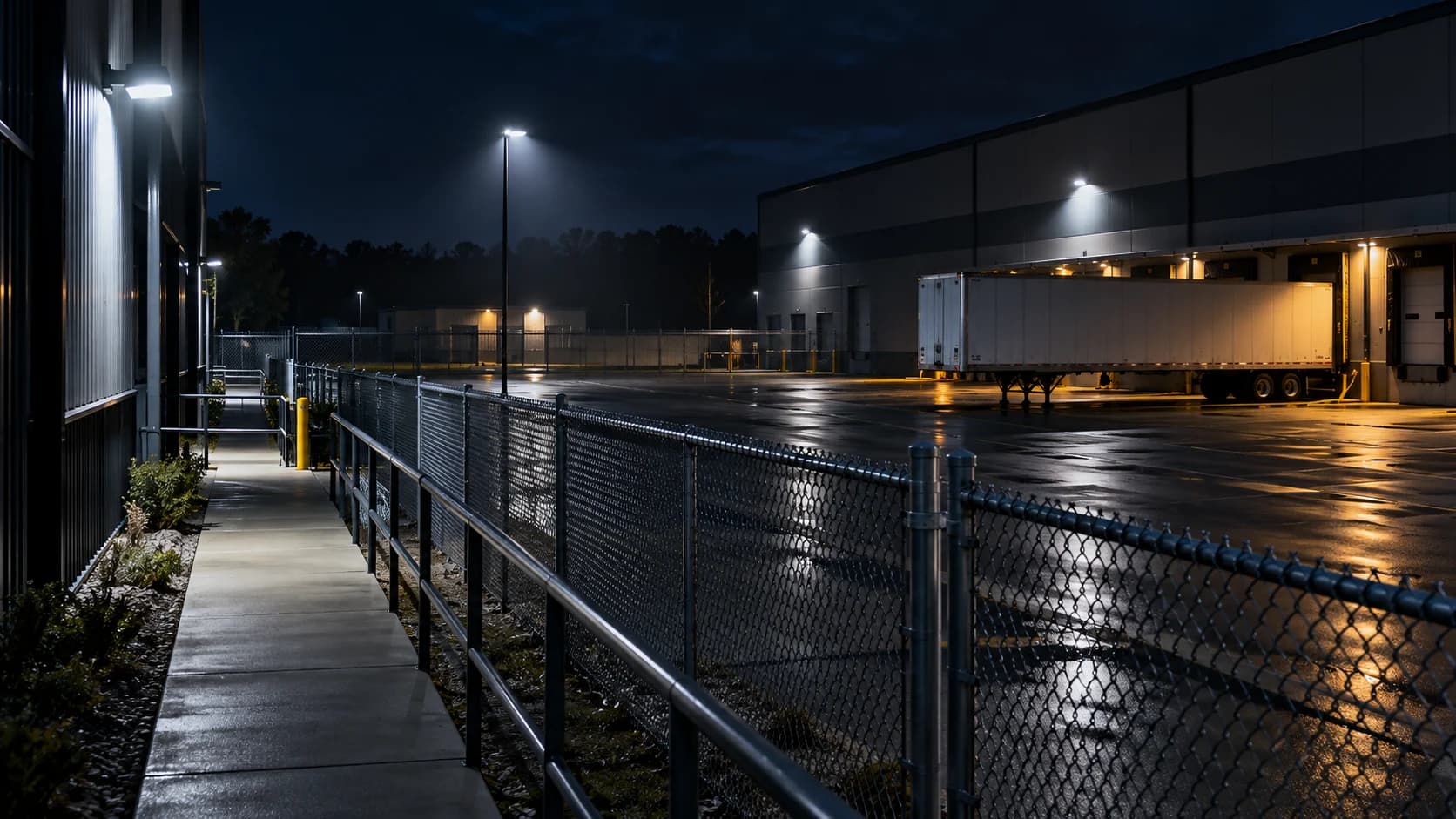
A camera that works at noon can still fail its purpose after closing. Describe the visible fault before choosing a remedy. Night-mode lighting, exposure and network faults require different owners and evidence.
The idea in view · Planning diagram
Follow the observed fault
- Night view fails
- Stream unavailable
- Black or dark image
- White haze
- Movement blur
- Verify the repaired task
Start with the image, not a replacement camera
Record the view alias, time, time zone and the job the view must support. Can a reviewer recognize the activity at the gate, or is there only an indistinct shape? A picture that looks acceptable while the yard is empty may become unusable when a vehicle moves. Compare a recorded event with live playback before deciding where the fault sits.
Separate an unavailable stream from a poor picture
If the stream stops altogether, use the camera-offline troubleshooting guide. Check whether the authorized local recorder has the same failure as the remote viewer. A local recording that continues while remote playback fails points toward a different investigation from a device that disappears everywhere. These observations narrow the handoff; they do not prove the cause.
Keep the investigation safe and reversible
Do not climb to a camera, remove a housing or walk through an active vehicle route just to inspect an infrared lamp. Have the responsible technician follow the model-specific procedure. Record current settings before an approved change and change one factor at a time. Do not disable access controls, forward ports or share passwords to make a test easier.
When a monitored view becomes unusable, notify the agreed coverage owner. Record the affected period and temporary arrangement. A working neighboring camera does not automatically cover the missing task. Reaccept the original view after repair using the same realistic night conditions that exposed the fault.
Make the call
Choose the symptom branch
| Observed symptom | First comparison | Next owner check |
|---|---|---|
| Stream unavailable | Local recorder versus remote viewer | Power, connection and device availability |
| White haze or bright foreground | Dry versus wet conditions; nearby reflective surfaces | Infrared reflection and placement |
| Scene visible, moving subject blurred | Static detail versus movement | Exposure and usable lighting |
| Black or very dark scene | Day versus night mode on this model | Supported illumination and night switching |
Preserve a useful comparison
Use the same view and activity for before-and-after checks. A still image cannot establish whether a walking person or moving vehicle remains recognizable. Record weather, nearby lighting and any scene changes. A newly parked trailer can change both the view and infrared reflections.
Ask the technician to identify which setting or physical condition changed and which observation would count as a successful repair. Keep the result tied to the operational task rather than a vague statement that the picture looks better.
Why does the picture turn white at night?
Infrared light reflected close to the lens can overwhelm the useful scene. Look for a nearby wall, soffit, dirty cover, spider web or changed object within the illumination pattern. Record observations from a safe position. A wet cover can produce a different result from the same view in dry conditions. The installer should inspect mounting, housing condition and the manufacturer guidance before changing hardware.
Compare the foreground and intended target separately. Making a bright nearby object less visible is not enough if the gate remains unreadable. Ask whether the lighting arrangement supports the actual distance and angle required. An approved physical adjustment needs a new coverage check so that solving glare does not move the protected area outside the frame.
Reference context: Axis: image quality troubleshooting
Why is a stationary scene sharp but movement blurred?
A camera can gather more light over a longer exposure, but a moving subject changes position during that exposure. Gain and other image processing can also change the appearance of detail. Treat the image as a tradeoff between illumination, exposure and the activity being observed. A brighter screenshot is not a complete acceptance test.
Use a controlled, authorized walk through the required route at an ordinary pace. Record the task: detecting presence, recognizing a type of activity or obtaining identifying detail are different demands. Ask the technician to explain the exposure and lighting choices for that task. Test again with ordinary vehicle lights if they are part of the scene. Do not promise that every camera can meet every task through settings alone.
Reference context: Axis: image quality troubleshooting
What should the technician receive?
Provide a short fault record with view alias, symptom, first observed time, time zone, daylight comparison and whether the local recorder agrees with remote playback. Describe what changed recently: placement, lighting, vegetation, stock or connection equipment. Link an approved evidence reference rather than distributing unrestricted footage. Keep credentials in the organization’s approved access process.
Separate observations from explanations. “Gate view is washed out after rain” is an observation; “infrared emitter failed” is a diagnosis that needs a check. State which monitoring duty is impaired and who accepted the temporary coverage plan. This gives the repair owner useful context without presenting an untested hypothesis as a confirmed equipment defect.
Reference context: Axis: image quality troubleshooting
When is the repair ready to close?
Repeat the original task after dark and compare with the recorded fault. Confirm that live review and recording both work where they are required. Check time alignment and any changed view boundaries. Keep the acceptance record with the change description and the responsible owner. A daytime screenshot should not close a fault that occurs only in darkness.
Some conditions cannot be reproduced immediately. If rain or a particular vehicle movement triggered the fault, record that limitation and assign a follow-up observation. Keep any temporary arrangement explicit until the responsible owner accepts the result. This is an operational handoff, not a guarantee of uninterrupted coverage or a promise that a camera will prevent an incident.
Questions readers bring to this task
What else should you know?
Does a visible infrared glow prove the camera works?
No. It does not establish useful illumination at the target, a clear optical path or recognizable moving detail. Verify the actual scene and required activity.
Link to this answer ↗Should I factory-reset the camera?
Do not use a reset as a first diagnostic step. It can remove approved configuration and disrupt recording or access. The authorized owner should follow the model-specific procedure and preserve a recovery plan.
Link to this answer ↗Should I buy another camera immediately?
First identify whether the failure is illumination, scene placement, exposure, power or connectivity. Replacement may be appropriate after a qualified assessment, but a new device will not automatically fix the surrounding conditions.
Link to this answer ↗Can remote monitoring continue during repair?
Only within a clearly agreed temporary scope. Identify the unavailable task, available alternative views and response owner. Do not assume another view provides equivalent coverage.
Link to this answer ↗Notes & sources
Reviewed October 27, 2026. Examples are illustrative. Camera compatibility, service availability and response depend on the agreed site scope.
- Axis: image quality troubleshooting
Manufacturer explanation of exposure, motion blur and infrared reflections; settings are product specific.