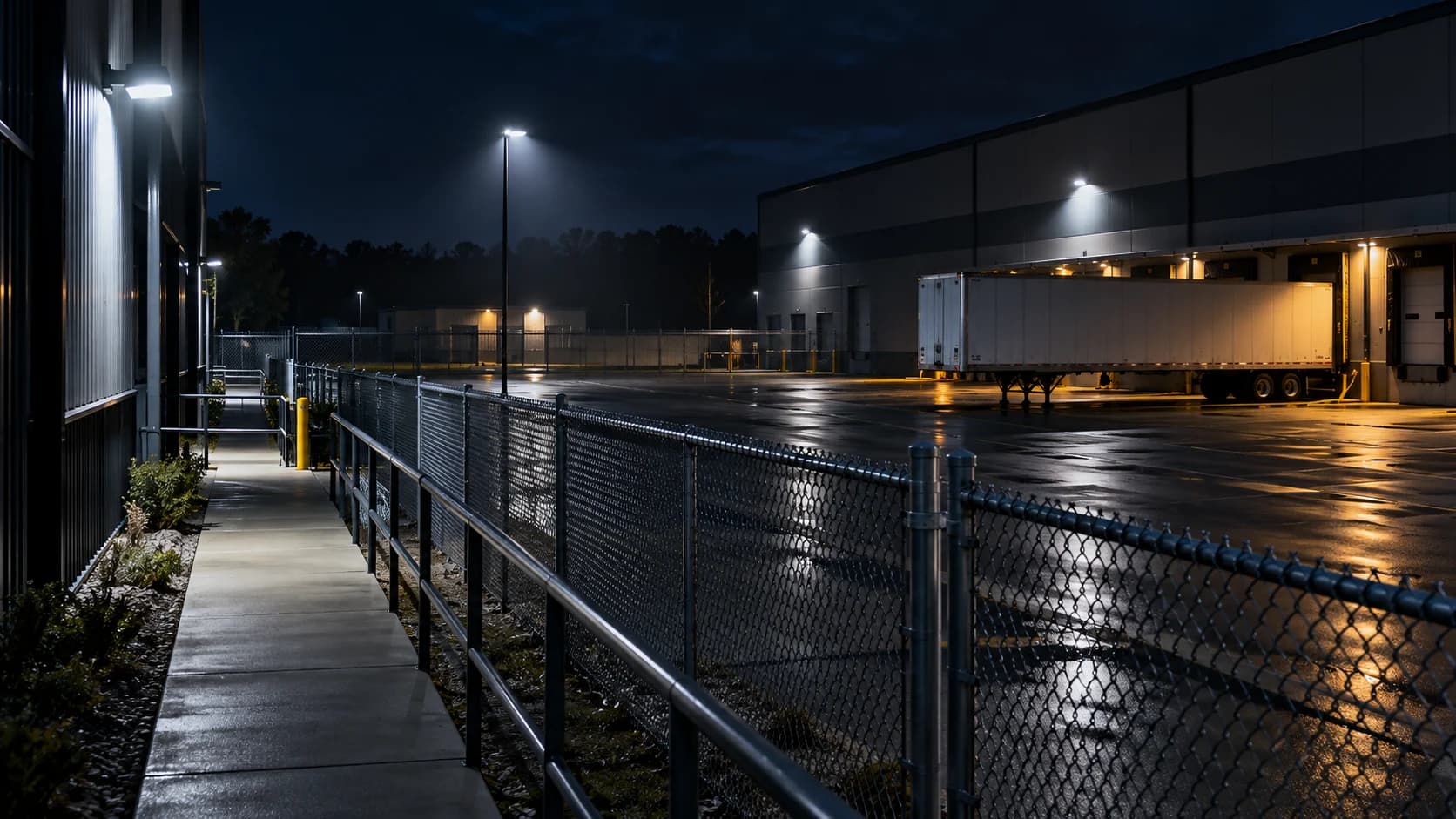
If the parked vehicles look sharp but the walking person smears, judge the moving person. The empty scene is not the acceptance test.
The idea in view · Planning diagram
A static scene does not test moving detail
- Sharp background
- Parked vehicle
- Empty approach
- Moving person
- Representative distance
- Useful received detail
Make the call
Which task does the image need to support?
| Situation | Decision to make | What to ask for |
|---|---|---|
| You only need to notice entry | Whether movement remains visible at the boundary | A route test at the required distance |
| You need distinguishing detail | Whether the lens and illumination support it | An installer-led operational requirement review |
| Exposure is changed to brighten the scene | Whether moving detail improves or degrades | Playback of the same staged movement |
Test movement at the useful distance
Use an authorized person following the actual approach at an ordinary pace. Inspect the recorded footage rather than judging a paused empty frame. Record where the subject becomes unusable and whether headlights or other lighting change the result.
Ask for product-specific adjustments
Axis explains that slow shutter speeds can blur moving objects. Lighting and exposure choices involve tradeoffs; asking for a brighter image alone can conceal the movement problem. Have the installer follow the model’s guidance and preserve the former configuration.
Define the accepted task
Being able to see movement is different from identifying a face or reading a plate. Decide which task this view must support. If the required detail is unavailable, revise coverage or equipment rather than upgrading the claim in the report.
Ask the installer to show the tradeoff
Axis’s image guidance explains that slower shutter exposure can blur moving objects. A camera can therefore produce an attractive still while losing the detail needed for a person or vehicle in motion. Ask support to compare the same route before and after an adjustment, keeping the lighting and target task clear.
Do not substitute a megapixel claim for the demonstration. Distance, framing, illumination, motion and the stream delivered to the reviewer all matter to the practical result. If the view cannot support the required detail after suitable configuration, revisit its position, lens or lighting with the installer. Record what remains usable instead of calling the entire image good or bad.
Judge the moving subject, not the parked vehicle
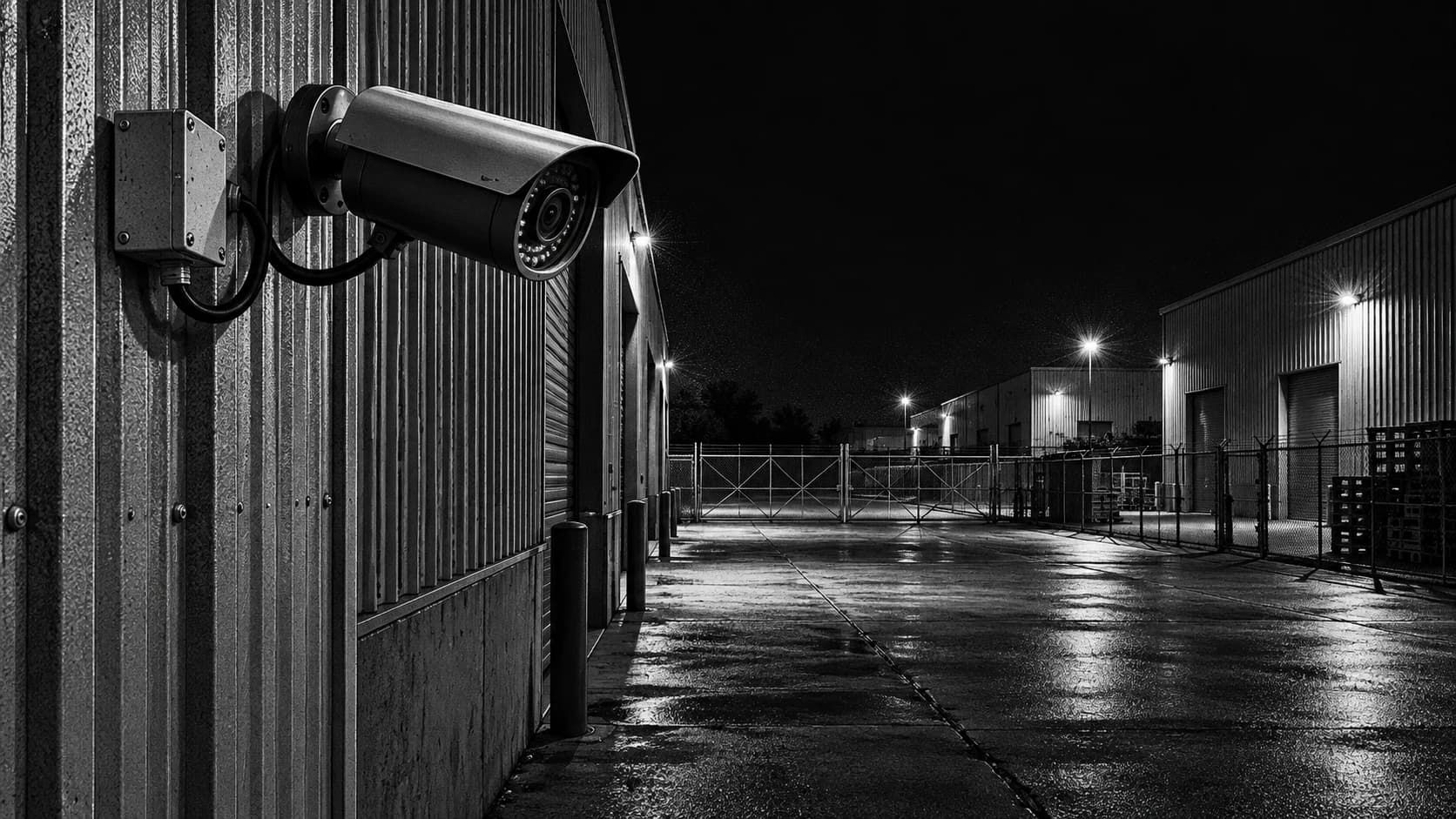
A night scene can look sharp while a walking person or moving vehicle loses useful detail. Exposure duration is one relevant factor: a moving subject travels while the sensor collects light. Static objects do not reveal that same problem. Begin by comparing moving and stationary detail on the actual route, at the distance relevant to the duty.
Define what the view needs to support. Detecting presence, understanding direction and reading fine detail are different requirements. A still frame chosen from the clearest part of a sequence can overstate the usefulness of the complete event. Review the movement and record where detail is lost. Avoid claiming that a resolution specification or daytime sample proves nighttime identification capability.
Reference context: Axis: image quality troubleshooting
Understand the tradeoffs before changing settings
Changing exposure can affect brightness and motion rendering. Other controls, including gain and image processing, can affect noise and detail. The useful combination depends on lighting, lens, sensor, scene and the task. Follow the installed product's guidance and let the responsible installer assess the correction rather than copying a universal shutter value from another deployment.
Lighting and framing may need attention as well as settings. A person too small in the scene or hidden by glare may remain unusable after one parameter changes. Keep the test focused on the required route and normal maintained lighting. Temporary work lights or a subject standing still are not equivalent to the conditions the monitoring team will later rely on.
Retest the whole duty after a correction
Use authorized movement at representative speed and distance, then inspect the received or recorded result. If analytics is involved, confirm that the event path remains functional. A setting that improves one part of the image can affect the conditions seen by the detection system or increase storage and bandwidth demand if other stream settings are changed as part of the work.
Record the changed configuration and the test conditions. Keep any residual limitation explicit, such as a far boundary that still cannot supply the desired detail. The business may need a narrower accepted task, improved lighting or a different view. Do not turn an improvement into a promise of identification or incident prevention that the evidence does not support.
A fictional walk test near a service entrance
A site manager pauses the recording and sees a clear door, fence and parked van. During a staged walk, the moving person becomes indistinct near the far end of the approach. The evidence suggests that the static background was a poor acceptance test for the intended moving task. It does not by itself identify the correct camera setting.
The installer reviews exposure and lighting using the model's guidance, makes a controlled correction and repeats the same route. The team compares movement under the relevant lighting and records the accepted result. If the nearest part improves but the far end remains unsuitable, the scope should reflect that boundary. The fault can be partly corrected without the entire approach being accepted for every possible review task.
Before you move on
- Record moving footage at the required distance.
- Request an installer assessment of exposure and lighting.
- Repeat the task test and record what detail remains unavailable.
A worksheet you can actually use
Start with the blank sheet. Add one row per item, assign an owner and mark anything unresolved as pending. The completed example shows the level of detail to aim for.
Keep completed security plans private. Use aliases; keep passwords, access codes, personal contacts and footage links in your approved systems.
How to fill the worksheet
- View
- Identify the view and configuration relevant to the moving subject rather than judging a different camera or stream.
- Task
- State whether the task concerns presence, movement or finer detail; these requirements should not be silently treated as equivalent.
- Distance description
- Describe the route and relevant near or far point without claiming a universal performance distance from the example.
- Moving detail
- Record the useful moving information and distinguish it from the apparent sharpness of static buildings or parked vehicles.
- Correction
- Reference the supported exposure, lighting or view change, with approval and configuration details held in the technical record.
- Accepted limit
- State what the retest supports and what remains unsuitable rather than turning an improvement into an identification guarantee.
A worked example
Fictional review: the empty yard looks clear, but a walking person smears near the gate. The team assesses lighting and exposure before using that view for alert decisions.
| View | Task | Distance description | Moving detail | Correction | Accepted limit |
|---|---|---|---|---|---|
| GATE-01 | Observe gate entry | Far gate edge | Blurred | Installer review | Not yet accepted |
Questions readers bring to this task
What else should you know?
Should we demand a particular shutter speed?
Use the installed product’s guidance and the actual scene requirement. A universal setting can trade one problem for another. Ask for the required moving detail to be demonstrated under the relevant lighting, rather than prescribing a number without a site assessment.
Link to this answer ↗Is motion blur the same as poor focus?
No. Focus problems can affect stationary detail, while motion blur can leave the background sharp and moving subjects unclear. The symptoms can coexist. Compare the same scene with and without movement and use the manufacturer's supported troubleshooting process to determine the relevant cause.
Link to this answer ↗Will a higher-resolution camera always solve nighttime blur?
No. Useful moving detail also depends on light, exposure, framing, distance and the installed configuration. Assess the task and test relevant conditions before buying replacement equipment. A larger resolution number alone does not establish the required result.
Link to this answer ↗Can brighter images be less useful?
An image can appear bright while moving detail is smeared or noise and glare obscure the task. Judge the actual subject and route rather than overall brightness. An accepted correction should improve the information needed for review under the conditions the site maintains.
Link to this answer ↗Notes & sources
No universal shutter setting or identification distance is recommended. Equipment and scene conditions determine the result.
Reviewed October 27, 2026. The examples and worksheets are planning aids, not customer results or a statement of contracted service.
- Axis: image quality troubleshooting
Manufacturer explanation of exposure, motion blur and infrared reflections; settings are product specific.
- GOV.UK: police requirements for CCTV systems
Purpose, quality, storage, export and playback considerations; not a promise of police response.